ℹ️ Quick Answer: AI health insights from wearables like Oura Ring Gen 3 and WHOOP 4.0 analyze thousands of daily data points, establish your personal baseline over 2 to 4 weeks, and correlate your logged behaviors with sleep and recovery outcomes. If you already own an Apple Watch Series 10, apps like Athlytic add similar AI analysis on top of your existing data.
📋 WHAT’S INSIDE
- Why Your Wearable Data Feels Useless Without AI Health Insights
- How AI Health Insights from Wearables Actually Work
- Best Wearables for AI Health Insights
- Setting Up Your Wearable for Better AI Health Insights
- Real-World Ways to Use AI Health Insights from Wearables
- What AI Health Insights from Wearables Still Get Wrong
- Common Questions About AI Health Insights from Wearables
- Getting Started This Week
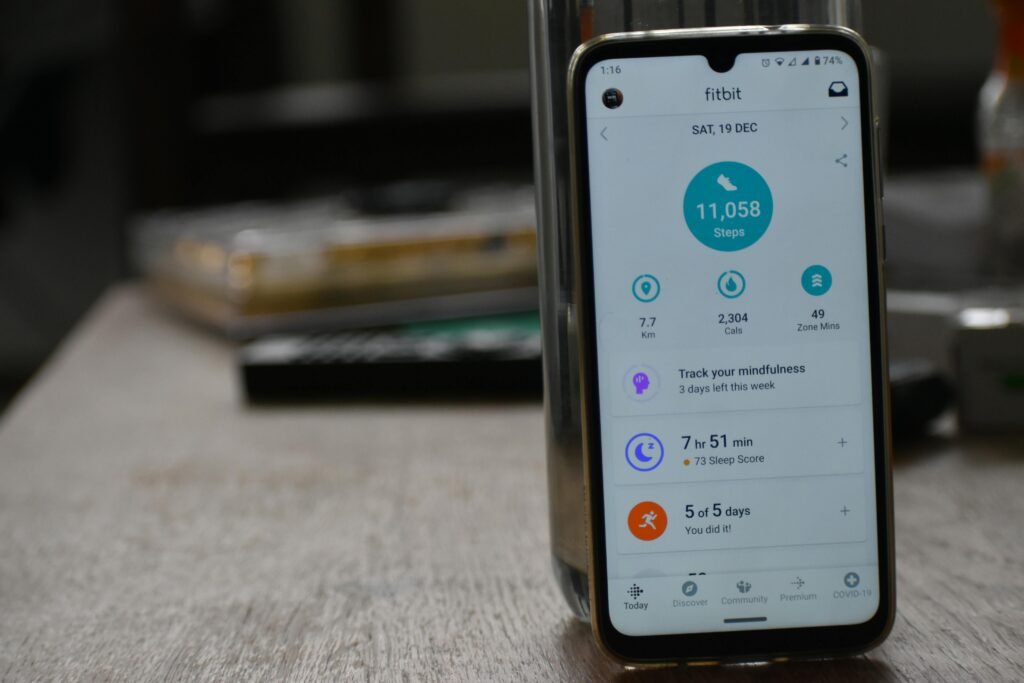
I check my Apple Watch a dozen times a day. Steps. Heart rate. Sleep score. Exercise ring.
Years of data. No idea what any of it means for me.
Is my resting heart rate of 62 good? Should I worry when my HRV drops to 25? Why does my “readiness” score swing 30 points between Tuesday and Wednesday?
The numbers are there. The context isn’t. That’s the frustrating gap with most wearables. Great at collecting data, terrible at telling you what to do with it.
AI health insights from wearables are finally changing this. These systems analyze patterns over weeks and months, correlate multiple metrics, and give you personalized recommendations. Not generic advice from a database. Insights specific to YOUR body.
This is Part 13 of our 20-part series on how AI can improve your life in 2026. See all parts
Why Your Wearable Data Feels Useless Without AI Health Insights
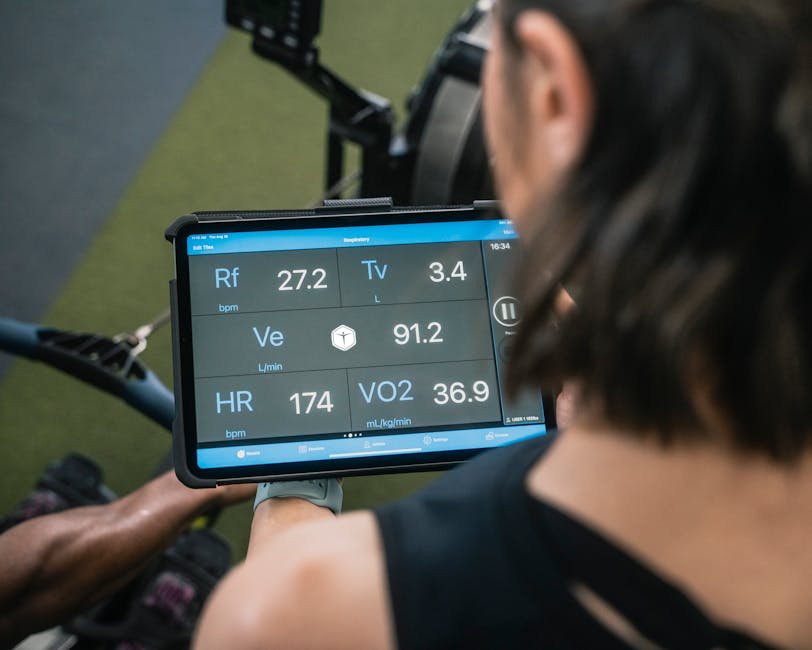
Traditional wearables show you raw numbers like sleep scores and HRV readings without explaining what they mean for your specific body or what you should change.
Most fitness trackers and smartwatches give you metrics without meaning. You see a sleep score of 78, but what does that tell you? You notice your HRV was low yesterday, but why? And more importantly, what should you actually change?
The problem is that traditional wearable apps show you what happened. They’re fancy dashboards. What they can’t do is connect the dots across multiple data points, spot patterns that develop over weeks, or understand how your specific body responds to different behaviors.
This is what AI adds. Machine learning models can process your sleep data alongside your heart rate, activity levels, and even things you log manually (like stress, alcohol, late meals) to find correlations. They can tell you, “When you exercise after 7pm, your sleep quality drops 15%.” Or, “Your HRV rebounds faster on days you meditate.”
That’s the difference between data and insight. And it’s why AI health insights from wearables are actually useful rather than just another number to ignore.
How AI Health Insights from Wearables Actually Work
AI models analyze thousands of daily data points from your wearable sensors, establish your personal baseline over 2 to 4 weeks, and then flag meaningful deviations and correlations your eyes would never catch.
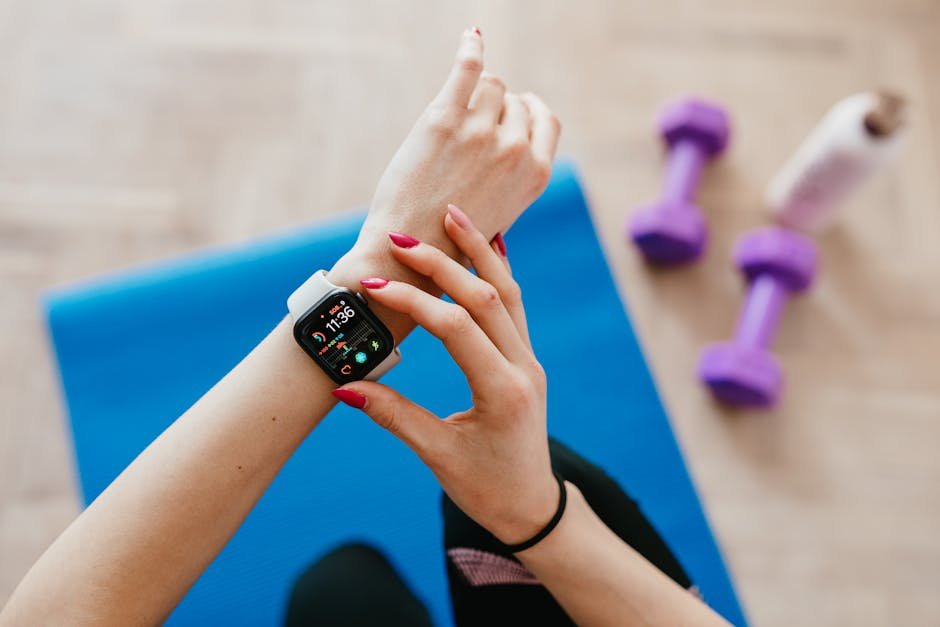
Your wearable continuously collects multiple data streams. Heart rate throughout the day, heart rate variability (HRV), sleep stages, movement patterns, skin temperature, blood oxygen levels, and more. Most devices take readings every few seconds, generating thousands of data points daily.
AI models analyze these time-series patterns looking for signals your eyes can’t see. They establish your personal baseline over 2 to 4 weeks, then flag deviations that matter. A slight uptick in resting heart rate combined with decreased HRV might indicate you’re fighting off an illness days before you feel symptoms.
The AI also correlates behaviors with outcomes. If you tag that you had alcohol or a late dinner, it can show you exactly how that affects your sleep architecture and next-day recovery. This moves from “alcohol is bad for sleep” (generic advice) to “two drinks after 8pm reduces your deep sleep by 23 minutes on average” (personalized insight).
Some systems now use large language models to let you ask questions in plain English. “Why was my sleep score low last week?” or “What should I change to improve my recovery?” The AI can query your data and explain findings conversationally.
Best Wearables for AI Health Insights
Oura Ring Gen 3, WHOOP 4.0, Apple Watch Series 10 (with third-party apps like Athlytic), and Garmin Venu 3 offer the strongest AI-powered health analysis available in consumer wearables right now.
Several wearables now emphasize AI-driven insights rather than just raw metrics.
Oura Ring
The Oura Ring Gen 3 has been a leader in turning wearable data into actionable guidance. Its Readiness Score combines sleep quality, HRV, body temperature, and activity into a single number that tells you whether to push hard or take it easy. The app correlates your tagged behaviors with outcomes and learns your patterns over time. A 2022 study found Oura’s sleep tracking is 86 to 89% accurate compared to medical-grade polysomnography.
WHOOP
WHOOP 4.0 focuses on strain, recovery, and sleep with an AI-powered coaching approach. Its Journal feature lets you tag behaviors (caffeine, alcohol, supplements, stress) and shows you statistically how each affects your metrics. WHOOP measures HRV during deep sleep, which is considered more reliable than spot checks. The subscription model includes continuous algorithm updates and increasingly personalized recommendations.
Apple Watch with Third-Party Apps
The Apple Watch Series 10 collects excellent data but the native Apple Health app doesn’t provide deep AI analysis. Third-party apps like Athlytic and Training Today add AI-powered insights on top of Apple Watch data. These apps analyze your trends and provide recovery recommendations similar to dedicated platforms.
Garmin with Connect Insights
The Garmin Venu 3 includes Body Battery and Training Status features that use your data to recommend workout intensity. The Garmin Connect app has added more AI-driven insights over time, including training load analysis and recovery advisors that adapt to your personal patterns. For serious athletes, the Garmin Fenix 8 offers even deeper training analytics.
Setting Up Your Wearable for Better AI Health Insights
Wear the device 24/7, use the journal or tagging features to log behaviors like caffeine and alcohol, and give the AI at least 2 to 4 weeks of continuous data before expecting personalized recommendations.
Getting useful AI insights requires some setup beyond just strapping on a device.
Wear it consistently. AI needs continuous data to establish your baseline. Gaps in data make pattern detection harder. Wear your device 24/7 for the first month, including sleep.
Give it time to learn. Most AI-powered wearables need 2 to 4 weeks of data before they can make personalized recommendations. Don’t expect meaningful insights in the first few days. The system is still learning what “normal” looks like for you.
Tag your behaviors. If your app has a journal or tagging feature, use it. Log alcohol, caffeine, late meals, stressful days, meditation, supplements, and anything else that might affect your metrics. The more data you give the AI, the better it can correlate causes and effects.
Log workouts accurately. Start and stop workout tracking so the AI knows which elevated heart rate is exercise versus stress. Miscategorized data leads to wrong conclusions.
Real-World Ways to Use AI Health Insights from Wearables
The most practical applications include optimizing your sleep schedule, catching early signs of illness through HRV changes, adjusting workout intensity based on recovery scores, and sharing long-term trend data with your doctor.
Here’s how AI wearable insights translate into practical daily decisions.
Optimizing Sleep
AI can correlate your sleep quality with specific behaviors. You might discover that caffeine after 2pm costs you 30 minutes of deep sleep, or that screen time before bed doesn’t affect you as much as you assumed. These personalized findings help you make targeted changes rather than following generic sleep hygiene advice that may not apply to your body.
Managing Stress and Recovery
HRV trends reveal how well your nervous system is recovering. AI can alert you when you’re accumulating stress debt before you feel burned out. Some users report that their wearable flagged elevated resting heart rate and low HRV days before they came down with a cold, allowing them to prioritize rest.
Training Smarter
Instead of following a rigid training schedule, AI-informed wearables suggest when to push and when to recover based on your actual readiness. A recovery score of 30% might mean today’s planned hard workout should become an easy walk. This prevents overtraining and helps you make progress without injury. If you want to take this further, check out how AI workout recommendations can build around your recovery data.
Sharing Insights with Your Doctor
Long-term trend data from wearables can be valuable for healthcare providers. Export reports showing your resting heart rate trends, sleep patterns, or activity levels over months. This gives your doctor objective data beyond what you can recall in a 15-minute appointment. Some practitioners now specifically ask patients with wearables to bring their data.
What AI Health Insights from Wearables Still Get Wrong
Consumer wearables aren’t FDA-approved medical devices, sleep stage accuracy tops out around 86 to 89%, and AI correlations between behaviors and outcomes don’t always prove causation.
ℹ️ Consumer wearables are wellness tools, not medical devices. Use insights as conversation starters with your doctor, not as diagnoses. If you notice concerning patterns in heart rhythm, oxygen levels, or sleep, see a healthcare professional for proper evaluation.
I want to be realistic about the limitations.
They’re not medical devices. Consumer wearables are increasingly accurate, but they’re not FDA-approved diagnostic tools. Use insights as signals to investigate, not diagnoses to act on without professional input.
Accuracy varies by metric. Sleep stages and HRV are harder to measure accurately from the wrist compared to medical-grade equipment. Studies show 86 to 89% accuracy for sleep staging, which is good but not perfect. Heart rate is generally very accurate, while metrics like blood oxygen can be affected by fit and skin tone.
Correlation isn’t causation. AI might find that your sleep is worse on days you exercise late, but that doesn’t mean late exercise is the cause. It could be that you exercise late on stressful days, and stress is the real issue. Use insights as hypotheses to test, not conclusions to accept.
Data privacy matters. You’re sharing intimate health data with these companies. Read privacy policies carefully. Oura and Apple process most data on device, while WHOOP sends data to the cloud. Choose based on your comfort level.
Common Questions About AI Health Insights from Wearables
Can AI health insights from wearables replace seeing a doctor?
No. AI wearable insights are decision-support tools, not medical diagnoses. They can highlight patterns and prompt questions worth discussing with your healthcare provider. But if you’re experiencing symptoms or get concerning readings, see a professional. AI should complement medical care, not replace it.
How long does it take for AI to start giving useful insights?
Most systems need 2 to 4 weeks of consistent data to establish your baseline and start making personalized recommendations. Insights typically get more accurate and relevant over several months as the AI learns more about your patterns. Be patient in the early weeks.
What if my wearable and AI app give conflicting signals?
First, check device placement and settings. Make sure firmware is updated. Focus on trends over days and weeks rather than single readings. If conflicts persist, especially around heart rhythm or oxygen levels, consult a healthcare professional for proper testing.
Is my health data safe with these apps?
It depends entirely on the company. Look for strong encryption, clear privacy policies, limited third-party data sharing, and options to export or delete your data. Avoid apps that are vague about how they use your information. Your health data is sensitive. Treat provider selection accordingly.
Getting Started This Week
You don’t need new hardware. Download Athlytic or Training Today for your Apple Watch, or enable the Journal feature in WHOOP or Oura, and commit to 24/7 wear for one month.
If you already own a smartwatch or fitness tracker, you can start getting AI health insights from wearables without buying new hardware.
Week 1. Commit to wearing your device 24/7, including sleep. Don’t change any behaviors yet. Just let it collect baseline data.
Week 2. If your app has a journal or tagging feature, start logging behaviors. Note caffeine timing, alcohol, stress levels, late meals, and workouts.
Week 3 to 4. Review your first insights. What patterns has the AI detected? Pick one behavior to experiment with based on the data.
Ongoing. Check your trends weekly rather than obsessing over daily numbers. Focus on long-term patterns, not day-to-day fluctuations. Adjust your behaviors based on what your personal data reveals.
The goal isn’t perfect metrics. It’s using data to make informed decisions about your health that are specific to you, not generic advice that might not even apply to your body.
Your wearable already has the data. AI just helps you finally do something with it.
Related reading: Analyze Your Sleep Patterns with AI | Track Nutrition Without Manual Logging | Get Dynamic AI Workout Recommendations | New to AI? Start here
Part 12: AI Nutrition Tracking | All Parts | Part 14: AI Fitness Coaching
This post contains affiliate links. If you buy something through these links, I may earn a small commission at no extra cost to you.
WHO WROTE THIS
Moses Smith. I write Everyday AI for people who aren’t engineers. I go try the tools, then tell you honestly whether they were worth it. Sometimes the answer is no, and that’s kind of the point.
This blog is free and has no ads. If it saved you some time, you can buy me a coffee.