
ℹ️ Quick Answer: AI workout recommendations adapt your exercise plan to your real life. Tell the app what equipment you have, how much time you’ve got, and how you’re feeling. It builds a workout around that reality. Tools like Fitbod, Freeletics, and Gymini AI cost $10-20/month, far cheaper than a personal trainer.
📋 WHAT’S INSIDE
- What Are AI Workout Recommendations?
- How AI Workout Recommendations Personalize Your Training
- Best Apps for AI Workout Recommendations
- What AI Workout Recommendations Do Well
- Honest Limitations of AI Workout Recommendations
- How to Get Started with AI Workout Recommendations
- Common Questions About AI Workout Recommendations
- Is It Worth Trying?
“Just do the workout.” That’s what every fitness app tells you. But what happens when the workout assumes you have a squat rack and you’re staring at a yoga mat in your living room?
Traditional fitness apps are rigid. They don’t care that you’re traveling with only resistance bands. They don’t adjust when you’re exhausted from a bad night’s sleep. They just tell you to do what the program says, and when life gets in the way, you quit.
AI workout recommendations fix this by adapting to your real life. Tell the app what equipment you have, how much time you’ve got, and how you’re feeling. It builds a workout around that reality instead of forcing you into a template.
This is Part 10 of our 20-part series on how AI can improve your life in 2026. See all parts
What Are AI Workout Recommendations?
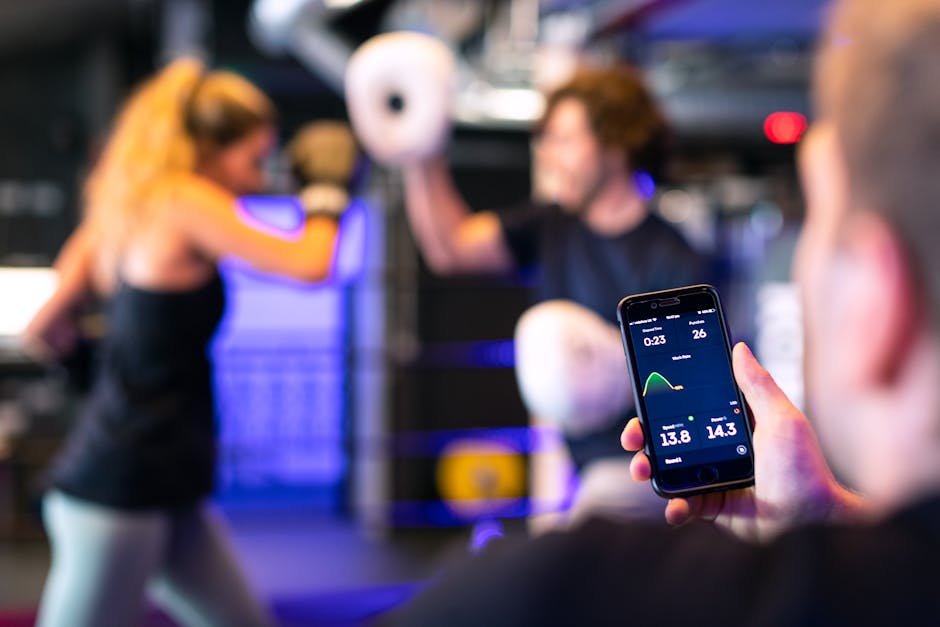
AI workout recommendations are app-generated exercise plans that adapt in real time to your performance data, available equipment, schedule, and recovery status instead of following a fixed program.
Traditional workout apps give you a static program. Week 1 looks the same whether you’re crushing it or struggling. AI workout apps are different. They use algorithms to build and adjust your training based on data you provide.
When you first open an AI fitness app, it asks about your goals (lose weight, build muscle, general fitness), your experience level, available equipment, and how many days per week you can realistically train. Then it generates a personalized program.
But here’s where it gets interesting. The app keeps learning. After each workout, you rate how hard it felt. The AI notices if you’re completing all your reps easily or struggling. It tracks which muscle groups you’ve worked recently. Then it adjusts the next session accordingly.
Miss a workout? The AI reorganizes your week. Feeling extra energetic? It might suggest adding a set. That’s the “dynamic” part of dynamic AI workout recommendations.
How AI Workout Recommendations Personalize Your Training
These apps personalize training using three data layers. Your initial profile (goals, equipment, schedule), ongoing performance data (weights lifted, reps completed, difficulty ratings), and recovery estimates based on muscle group timing.
AI fitness apps typically use three types of data to customize your training.
Your Input Data
This is what you tell the app during setup. Age, weight, fitness goals, experience level, available equipment, time per session, and training days per week. Better apps also ask about injuries, mobility limitations, and exercise preferences.
Performance Data
As you log workouts, the AI tracks what weights you’re lifting, how many reps you complete, and how you rate the difficulty. Over time, it builds a model of your capabilities and progression rate.
Recovery Data
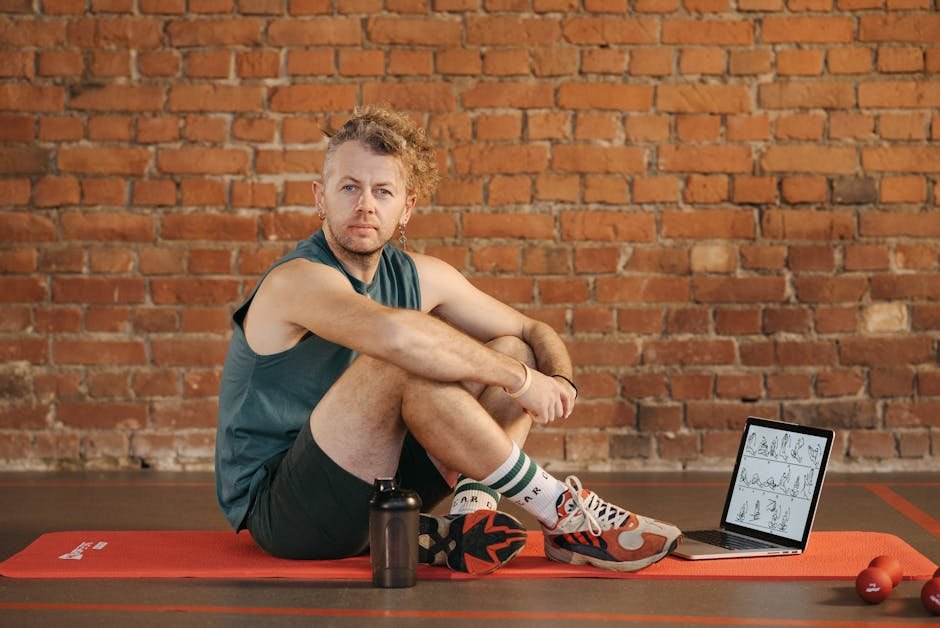
Apps like Fitbod estimate muscle recovery based on what you trained and when. If you did heavy leg work yesterday, the AI won’t schedule squats today. More advanced setups integrate with wearables like WHOOP or Oura Ring to factor in sleep quality, heart rate variability, and stress levels.
The result is a program that evolves with you instead of forcing you into a rigid template.
Best Apps for AI Workout Recommendations
Fitbod leads for gym-based strength training, Freeletics for bodyweight HIIT, Gymini AI for quick home sessions, and JuggernautAI for serious powerlifters. Most offer free trials.
Here are the main options for AI workout recommendations, each with a different focus.
Fitbod
Fitbod is one of the most popular AI strength training apps. It tracks muscle recovery across body parts and generates workouts that target muscles that are ready to train. You can customize available equipment, and it adjusts exercises accordingly.
Best for: People who want intelligent strength training programming without thinking about which muscles to work each day.
Dr. Muscle
Dr. Muscle focuses on progressive overload, the principle of gradually increasing weight or reps to build strength. The AI adjusts your weights automatically based on your performance, aiming to keep you in the optimal training zone.
Best for: Beginners who want structured strength progression without manually tracking weights.
Freeletics
Freeletics creates bodyweight and HIIT workouts that adapt to your fitness level. It’s particularly good for home workouts since many exercises require no equipment. The AI adjusts intensity based on your feedback after each session.
Best for: People who prefer high-intensity training without gym equipment.
Gymini AI
Gymini AI is built for people who are short on time. It offers quick sessions (as short as 2, 5, or 10 minutes) that target specific body areas, with audio-guided instructions so you can work out hands-free. The app includes YouTube video demos for every exercise and over 100 bodyweight movements that require no equipment.
Best for: Busy people who want effective micro-workouts with voice coaching and no equipment requirements.
JuggernautAI
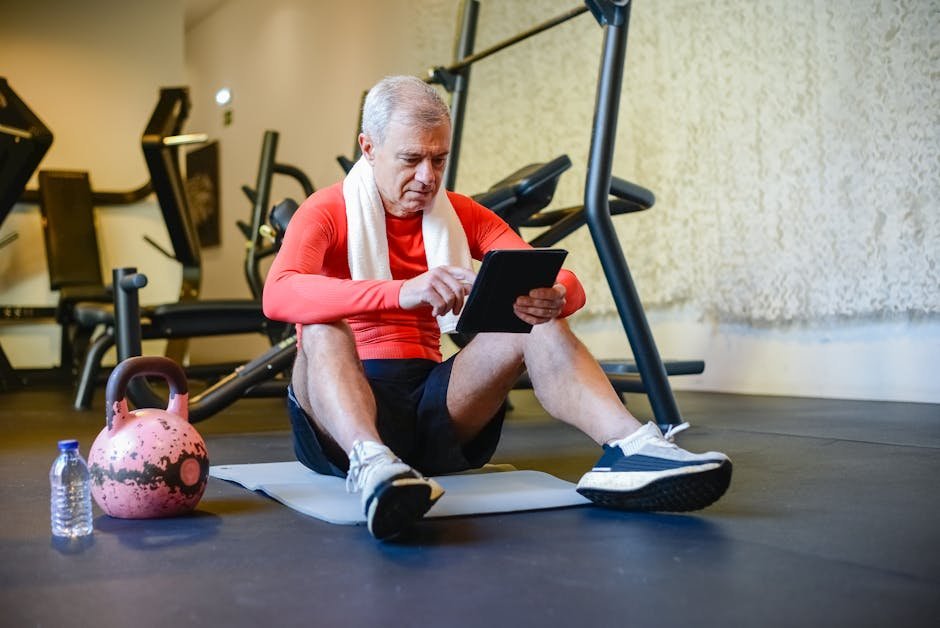
JuggernautAI is built for more serious lifters focused on powerlifting or strength sports. It uses periodization principles and adjusts programming based on your daily performance ratings. More complex than beginner apps, but powerful for intermediate and advanced users.
Best for: Experienced lifters who want sophisticated programming for strength goals.
Future
Future combines AI with a human coach. You get a real personal trainer who designs your workouts, but the app uses AI to adapt sessions based on your schedule, equipment, and feedback. More expensive at $149/month but bridges the gap between pure AI and human coaching.
Best for: People who want human accountability with AI flexibility.
What AI Workout Recommendations Do Well
AI fitness apps eliminate decision fatigue, handle progressive overload automatically, reorganize your schedule when you miss sessions, and cost $10-20/month versus $60-100+ per session for a human trainer.
After using several of these apps, here’s what impressed me most.
They remove decision fatigue. Instead of staring at a gym wondering what to do, you open the app and it tells you. Exercise, sets, reps, rest times. Just follow the plan.
They handle progressive overload automatically. The AI gradually increases difficulty at a sustainable rate. You don’t have to remember what weight you used last time or guess when to add more.
They adapt to life. Missed Monday’s workout? The app reorganizes your week. Only have 20 minutes today? It creates a shorter session. This flexibility is something static programs can’t offer.
They’re affordable. Most AI fitness apps cost $10-20 per month, a fraction of personal training rates. Some have free tiers with basic features.
Honest Limitations of AI Workout Recommendations
The biggest gap is form correction. No AI app can watch your squat depth or catch a rounding back in real time, and bad form leads to injuries that no algorithm can prevent.
AI workout apps aren’t perfect. Here’s where they fall short.
They can’t watch your form. This is the biggest gap. A human trainer can see that your squat depth is shallow or your back is rounding. AI apps show you video demos, but they can’t correct you in real time. Some newer apps use phone cameras for form analysis, but the technology is still developing.
The personalization has limits. AI works with the data you provide. If you have a specific injury, unusual mobility restriction, or complex medical situation, the app may not account for it properly. Always consult a doctor or physical therapist for medical concerns.
ℹ️ Form matters more than any app. If you’re new to strength training, invest in a few sessions with a trainer to learn the basics, or record yourself and compare to instructional videos. Bad form leads to injuries that no AI can prevent.
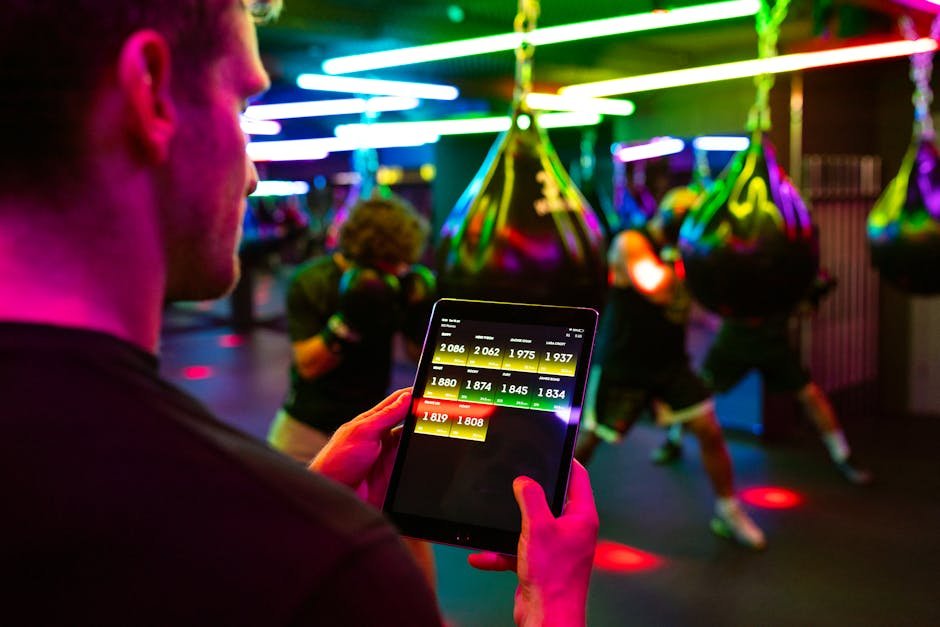
Garbage in, garbage out. If you lie about your fitness level or skip logging workouts, the AI’s recommendations will be off. These apps work best when you’re honest and consistent with your input.
They lack the human element. Some people need accountability from another person. An app can send notifications, but it won’t call you out for skipping sessions or celebrate your wins the way a trainer would.
How to Get Started with AI Workout Recommendations
Download Fitbod or Freeletics, be honest about your fitness level during setup, start with manageable weights, and commit to logging every session for at least four weeks so the AI can calibrate.
If you want to try an AI fitness app, here’s a practical approach.
Be Honest During Setup
Don’t overestimate your fitness level or underestimate how busy you are. If you can realistically train three days per week for 30 minutes, say that. The AI will build a better program for your actual life than for the ideal version you wish you had.
Start Conservative
Most apps let you rate workout difficulty. Start with weights and intensities that feel manageable. It’s better to finish workouts feeling like you could do a bit more than to burn out in week two.
Log Everything
The AI learns from your data. Complete your logged sets, rate how hard they felt, and note any exercises you skipped or modified. The more information you provide, the smarter the recommendations become.
Give It Time
AI personalization improves over weeks, not days. Stick with an app for at least a month before deciding if it works for you. The first week or two is calibration.
Learn Form Separately
Don’t rely on the app’s exercise demos as your only form education. Watch tutorial videos on YouTube, consider a few sessions with a trainer to learn the basics, or record yourself and compare to instructional content.
Common Questions About AI Workout Recommendations
Are AI workout recommendations good for complete beginners?
Yes, many are designed specifically for beginners. Apps like Freeletics, Gymini AI, and Fitbod start with assessments and create appropriately easy starting programs. The key limitation is form coaching, so beginners should invest time learning exercise technique from other sources.
Do I need gym equipment for AI workout recommendations?
No. Most AI apps let you specify what equipment you have, including “none.” Apps like Freeletics and Gymini AI focus entirely on bodyweight training. Others will create dumbbell-only or resistance band workouts if that’s what you have available.
Can AI workout recommendations replace a personal trainer?
For programming and progression, largely yes. For form coaching, accountability, and handling complex situations (injuries, medical conditions), human trainers still have significant advantages. Many people use both. AI for daily programming, occasional trainer sessions for form checks.
How much do AI fitness apps cost?
Most range from free (with limited features) to $15-25 per month for premium. That’s roughly the cost of one or two personal training sessions for a full month of programming. Hybrid services like Future that include human coaching cost more, typically $100-200 per month.
Is It Worth Trying?
Yes, especially if you’ve quit rigid programs before. AI fitness apps solve the consistency problem that kills most workout routines by adapting to your real schedule and energy levels.
If you’ve struggled with workout consistency because programs felt too rigid, too generic, or too complicated to follow, AI fitness apps are worth trying. The adaptive programming solves problems that static workout plans can’t.
Start with a free trial. Be honest with your inputs. Give it a few weeks. The AI won’t replace every benefit of human coaching, but for most people looking to get stronger and healthier, it’s a practical, affordable option that didn’t exist a few years ago.
Your workout should fit your life, not the other way around. That’s what these apps are finally making possible.
Related reading: Part 9: Detect Mental Health Warning Signs | AI Life 2026 Series Hub | Part 11: Analyze Your Sleep Patterns | New to AI? Start here





Leave a Reply