
ℹ️ Quick Answer: Ring Alexa Greetings lets your Ring doorbell have real conversations with visitors using Amazon’s Alexa+ AI. It directs delivery drivers where to leave packages, politely declines solicitors, and takes messages from friends when you’re away. Requires an Alexa+ subscription ($19.99/month) and a compatible Ring doorbell.
📋 WHAT’S INSIDE
- What Ring Alexa Greetings Actually Does
- Why This Matters for Everyday Life
- The Obvious Concerns
- What You Need to Use Ring Alexa Greetings
- Common Questions About Ring Alexa Greetings
The doorbell rings. You’re in the shower. Or on a Zoom call. Or just don’t feel like talking to whoever is standing on your porch.
What if your doorbell could handle it for you?
Ring Alexa Greetings is Amazon’s new feature that lets your doorbell have actual conversations with visitors. Not canned recordings. Real back-and-forth dialogue. It tells delivery drivers where to leave packages, politely turns away salespeople, and takes messages from friends when you’re not home.
This guide is for anyone who gets interrupted by their doorbell more than they’d like. If you’ve ever wished your Ring could do more than just show you who’s there, keep reading.
What Ring Alexa Greetings Actually Does
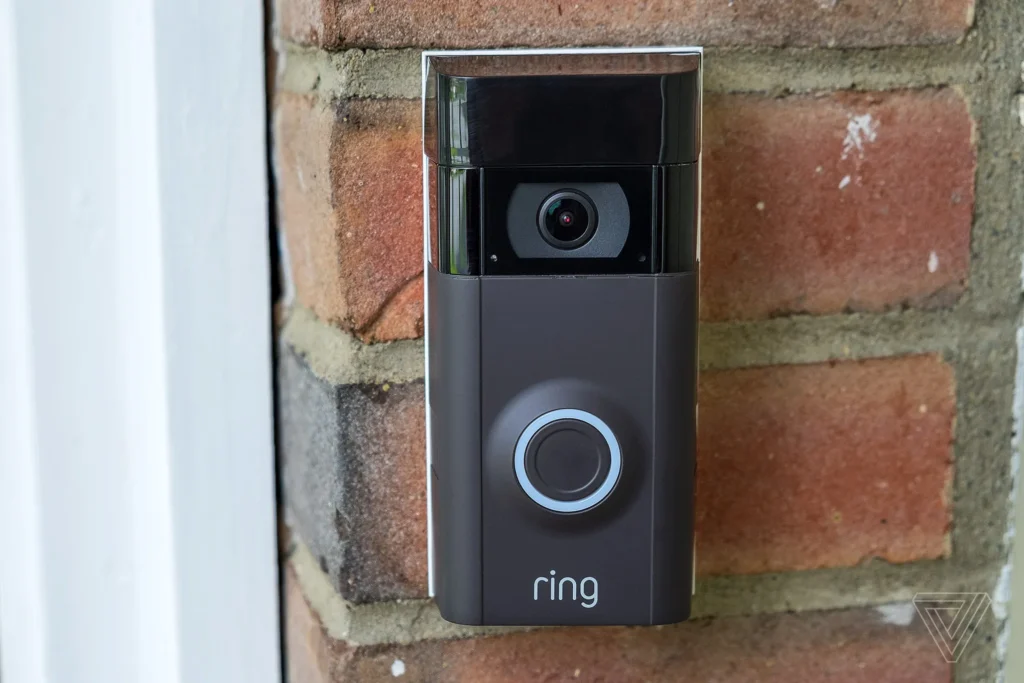
Ring Alexa Greetings uses your doorbell camera to identify visitors by clothing and behavior, then responds with AI-generated dialogue based on your custom instructions for delivery drivers, salespeople, and friends.
The feature works by analyzing what the doorbell camera sees. It identifies visitors based on their clothing, what they’re carrying, and their behavior. Then it responds based on instructions you’ve set up.
It can handle a few different scenarios.
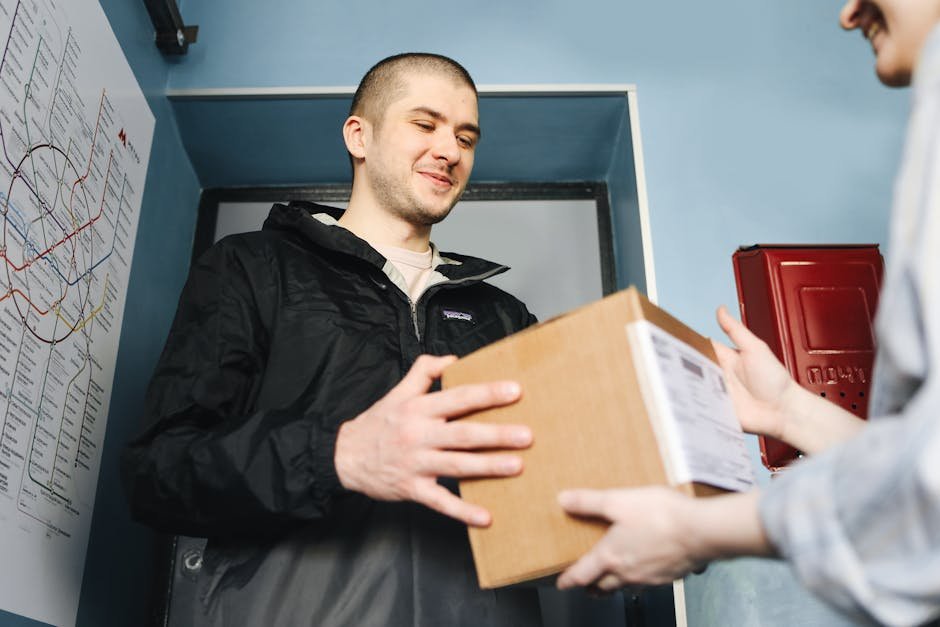
Delivery drivers. If someone in an Amazon, UPS, or FedEx uniform shows up with a package, Alexa can tell them exactly where to leave it. You can specify “leave packages by the side door” or “put them in the bin on the porch.” You can even direct drivers to water or snacks you’ve left out for them.
Signature-required deliveries. When a package needs a signature and you’re not home, Alexa can ask the driver when they plan to return and pass that information to you.

Salespeople and solicitors. You can set an instruction like “If someone comes to the door trying to sell something, politely let them know we’re not interested.” No more awkward doorstep conversations or pretending you’re not home.
Friends and family. When people you know stop by and you’re busy or away, Alexa can greet them and ask them to leave a message. Think of it like a video voicemail for your front door.
Why This Matters for Everyday Life
Ring Alexa Greetings solves the biggest annoyance of smart doorbells. You can see who’s there but still have to interrupt what you’re doing to respond. Now routine interactions happen automatically.
Traditional Ring doorbells are great at showing you who’s at the door. But if you’re in a meeting, driving, or just don’t want to be interrupted, you’re stuck. You either ignore the alert entirely or interrupt what you’re doing to speak through the app.
With Greetings, your doorbell handles routine interactions automatically. The delivery driver doesn’t stand there confused about where to put your package. The solicitor gets a polite brush-off without you having to engage. Your mom who stopped by unexpectedly can leave a message instead of wondering why you didn’t answer.
The Obvious Concerns
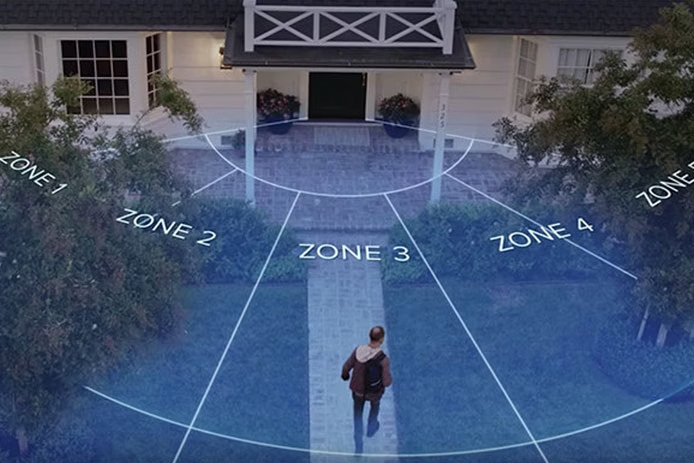
The system makes judgments about visitors based on appearance and clothing, which means misidentification will happen. The related “Familiar Faces” feature adds facial recognition to a consumer doorbell.
This technology comes with legitimate privacy and accuracy questions.
The system identifies people based on appearance, which means it will sometimes get things wrong. If your friend works for UPS and visits after their shift still wearing their uniform, Alexa might ask them where they’d like to leave the package instead of taking a message. Awkward at best, potentially offensive at worst.
⚠️ This feature relies on visual profiling to determine how to interact with someone. Amazon’s “Familiar Faces” option also adds facial recognition to your doorbell. Useful when it works, but the AI makes judgments about people based on appearance.
There’s also the broader question of AI making judgments about people based on how they look. The feature relies on visual profiling to determine how to interact with someone. That’s useful when it works correctly, but the failure modes could be problematic.
Amazon has also introduced a related feature called “Familiar Faces” that lets you create a database of up to 50 people who visit regularly. Once labeled, these people get named in your Ring notifications. It’s convenient for knowing when expected visitors arrive, but it’s also facial recognition technology in a consumer doorbell.
What You Need to Use Ring Alexa Greetings
You need an Alexa+ subscription ($19.99/month), a compatible Ring doorbell (likely newer models), and a Ring Protect plan for cloud storage of doorbell footage.
The Greetings feature requires Alexa+, Amazon’s subscription AI service. You’ll also need a compatible Ring doorbell. Amazon hasn’t specified exactly which models support the feature yet, but it’s likely limited to newer devices with sufficient processing power.
If you’re shopping for a Ring doorbell that should support Greetings, here are the current options.
- Ring Battery Doorbell Plus – Best for renters or anyone who can’t hardwire. Head-to-toe HD video and no drilling required.
- Ring Video Doorbell Pro 2 – The premium option with 3D motion detection and bird’s eye view. Requires hardwiring.
- Ring Video Doorbell (2024) – The budget-friendly entry point. Does everything most people need.
Setup involves configuring your preferences in the Ring app. You’ll set where packages should go, how to handle salespeople, and what to say to friends. The more specific your instructions, the better the AI can handle situations appropriately.
Common Questions About Ring Alexa Greetings
Is this feature free?
No. Ring Alexa Greetings requires an Alexa+ subscription, which is Amazon’s paid tier for advanced AI features. You’ll also need a Ring Protect plan for cloud storage of doorbell footage.
Can I customize what Alexa says?
Yes. You set instructions for different scenarios. Delivery drivers, salespeople, friends and family. The AI uses these instructions to guide conversations, though the exact wording is generated dynamically.
What if the AI misidentifies someone?
Misidentification will happen. If someone in work clothes visits as a friend, they might get treated as a delivery person. You can review all interactions in the Ring app and adjust your settings over time.
Does this work with other smart doorbells?
No. This feature is exclusive to Ring doorbells integrated with Amazon’s Alexa+ service. Competitors like Google Nest or Arlo don’t have access to this functionality.
Ring Alexa Greetings represents the next logical step for smart doorbells. Moving from passive observation to active assistance. Whether the benefits outweigh the privacy tradeoffs depends on how much you trust Amazon’s AI to interact with people on your behalf.
Related reading: AI-Powered Meal Planning | AI Life 2026 Series | New to AI? Start here
This post contains affiliate links. If you buy something through these links, I may earn a small commission at no extra cost to you.




Leave a Reply