
ℹ️ Quick Answer: AI writing assistants help you write faster by generating drafts, fixing grammar, and overcoming writer’s block. Start with ChatGPT’s free version (GPT-4o model). Describe what you want to write in plain English, use the output as a starting draft, then edit to add your voice. Add Grammarly’s free browser extension for real-time editing help across Chrome, Firefox, and Edge.
📋 WHAT’S INSIDE
- The Tools That Actually Matter
- How AI Writing Assistants Actually Help
- What AI Writing Assistants Can’t Do
- How to Get Started
- Watch: How to Use Claude AI for Writing
- Frequently Asked Questions
Here’s why I wrote this guide.
I use AI writing assistants all the time. For cleaning up grammar, improving how sentences flow, making my writing tighter. It’s become a natural part of how I work.
But I started wondering if I was only scratching the surface. So I dug in to see what else is possible. This is what I learned.

The Tools That Actually Matter
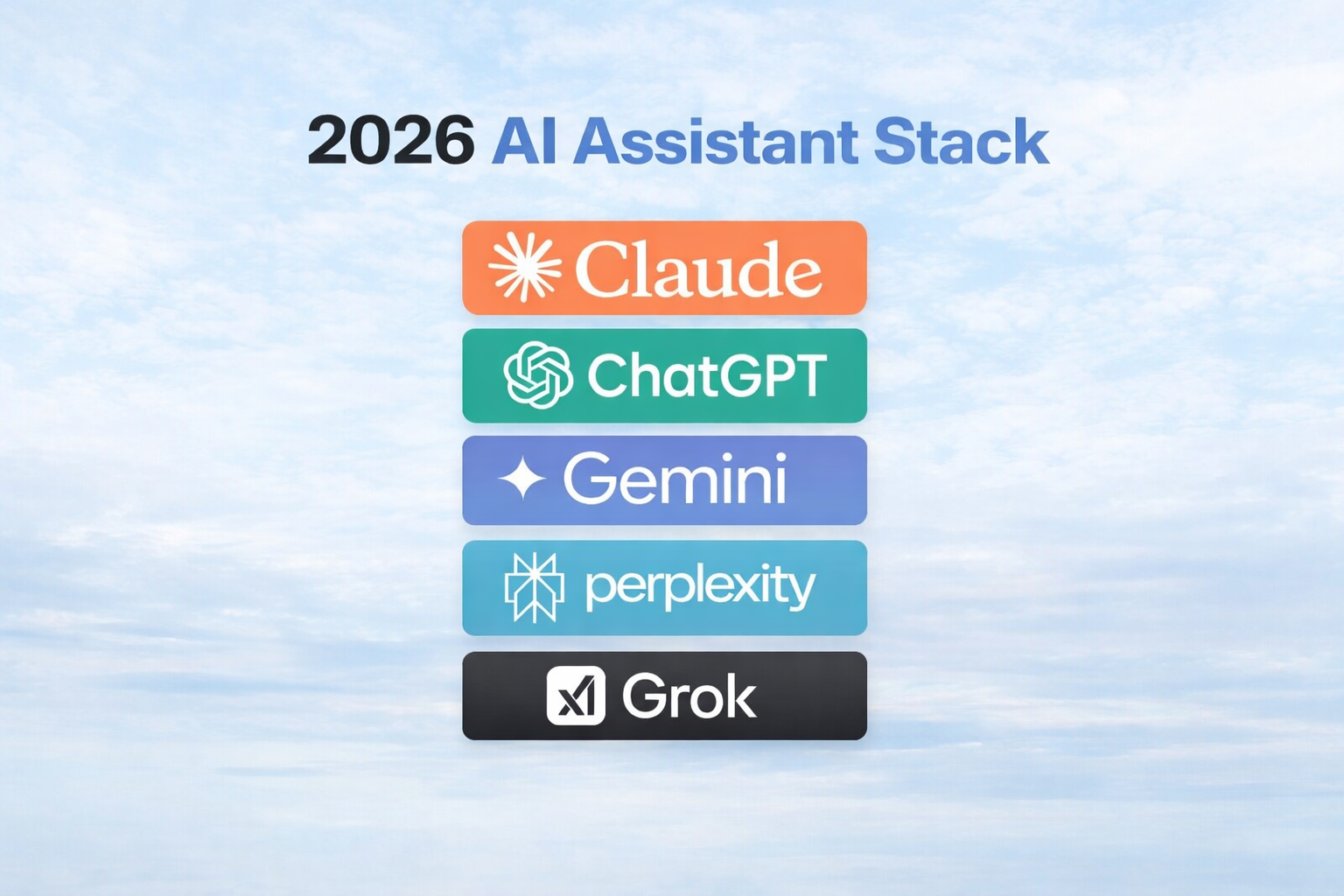
ChatGPT (free, or $20/month for Plus), Claude from Anthropic (free tier or $20/month Pro), and Grammarly (free extension or $12/month Premium) are the three AI writing tools most beginners should start with.
ChatGPT is the best place to start. The free version runs on GPT-4o and is surprisingly capable. The interface is as simple as having a conversation. Type what you need, and it responds with drafts, suggestions, or answers. Works well for brainstorming, drafting emails you’ve been putting off, and getting past writer’s block.
Claude from Anthropic excels at longer, more thoughtful writing. It handles subtlety better than most AI tools and produces writing that feels less robotic, with a 200,000-token context window for long documents. For a deeper look, check out our Claude Opus 4.5 Review. Particularly good for documents requiring careful reasoning.
Grammarly isn’t a content generator. It’s an editor that works alongside your writing in Gmail, Google Docs, and across the web. The browser extension checks everything you write, from emails to documents, catching grammar mistakes and suggesting clearer phrasing in real-time. Free plan catches basic errors. Premium ($12/month) adds tone and clarity suggestions.
Other tools worth knowing. Jasper ($39/month Creator plan) is built for marketing teams and brand voice consistency. Notion AI ($10/month add-on) works within note-taking workflows. Rytr (free tier, $9/month Unlimited) offers affordable AI writing for various content types.

✅ Best for Beginners. Start with ChatGPT’s free version (GPT-4o). The paid version (ChatGPT Plus at $20/month) provides access to GPT-4o with higher usage limits and advanced features like file uploads and image generation.
How AI Writing Assistants Actually Help
AI writing assistants handle three core tasks. They break through blank-page paralysis with initial drafts, speed up routine writing like emails and product descriptions, and turn messy research notes into structured outlines.
Crushing writer’s block. You need to send a project update email explaining delays without sounding defensive. Instead of staring at a blank screen, type into ChatGPT. “Help me draft a professional email explaining our project timeline is shifting by two weeks due to vendor delays. I want to sound transparent but confident.” Within seconds, you have something to edit instead of nothing.
Speeding up routine writing. A marketing team needs 50 product descriptions for an e-commerce site. Writing each from scratch would take days. Using Jasper or ChatGPT to generate initial drafts based on product specs, then having team members personalize each one, turns a week into a day.
Making research manageable. After reading a dozen articles for a report, use Claude to help identify key themes and organize notes into an outline. The AI doesn’t replace your analysis, but it helps process information faster. For more on this, see our guide on AI Content Summarizers.

What AI Writing Assistants Can’t Do
AI writing tools hallucinate facts, produce detectable generic patterns, and process content on cloud servers. Always fact-check claims, add your personal voice to drafts, and check privacy policies before pasting confidential content.
⚠️ Reality Check. AI writing assistants sometimes get facts wrong or produce content that sounds confident but isn’t accurate. ChatGPT and Claude both acknowledge this in their documentation. Always fact-check important claims and add your personal voice before publishing.
They can sound generic. Out of the box, AI writing has a certain sameness that tools like GPTZero and Originality.ai can detect. The patterns become recognizable. That’s why the best approach is using AI for drafts and outlines, then adding your voice and specific details.
Privacy matters. When you type something into ChatGPT or Claude, that data goes to cloud servers. OpenAI and Anthropic both offer opt-out settings for training data. For casual writing this doesn’t matter. For confidential business information, check each tool’s privacy policy and data retention settings first.
They’re assistants, not replacements. The best results come from treating AI as a collaborator. Use it to overcome blank-page paralysis, speed up routine tasks, and polish drafts. But your judgment, creativity, and expertise remain essential.

How to Get Started
Create a free ChatGPT account at chat.openai.com, install Grammarly’s free Chrome extension, and use both on a real writing task within 15 minutes. That combination covers most beginner needs at zero cost.
Try ChatGPT’s free version. Go to chat.openai.com and create a free account. Spend 15 minutes playing around. Ask it to help write an email or brainstorm ideas for a project.
Use it for one real task. Next time you’re stuck on a piece of writing, describe what you need. Be specific about tone, audience, and purpose.
Add Grammarly to your browser. Install the free extension on Chrome, Firefox, or Edge. It works in the background while you write, catching errors without requiring workflow changes.
Explore based on your needs. Once comfortable with basics, try tools that match your specific needs. Writing lots of marketing content? Try Jasper ($39/month). Living in Notion? Add Notion AI ($10/month).

Watch: How to Use Claude AI for Writing
This YouTube tutorial walks through Claude’s writing features step by step, showing how to draft, edit, and refine content using Anthropic’s AI assistant.
Frequently Asked Questions
Will AI writing tools replace human writers?
Not anytime soon. These tools handle routine writing tasks and help humans write faster. The creativity, judgment, and personal perspective that make writing valuable still come from people.
How much do AI writing tools cost?
Many offer free versions that are surprisingly useful. ChatGPT’s free tier, Grammarly’s free extension, and Claude’s free access all provide real value. Premium versions typically range from $10 to $30 per month.
Which AI writing assistant should beginners choose?
Start with ChatGPT for general writing help and Grammarly for editing. That combination covers most needs for free. Add specialized tools based on actual needs once you’re comfortable.
AI writing assistants won’t write your masterpiece for you, but they’ll get you past that blank page faster than anything else I’ve tried.
Related reading: Claude Opus 4.5 Review | AI Task Management Guide | AI Content Summarizers Guide | New to AI? Start here




Leave a Reply