ℹ️ Quick Answer: Claude Code for non-coders is real and growing fast. You can use it as a personal assistant for calendar and tasks, a Notion brain that manages your workspace, a content production system, a second brain for notes, and a meeting processor that turns transcripts into action items.
📋 WHAT’S INSIDE
- Claude Code for Non-Coders as a Personal Assistant
- Notion Workspace Brain via MCP
- Blog and Content Production Pipeline
- Personal Knowledge Base and Second Brain
- Meeting and Research Processing
- Getting Started with Claude Code for Non-Coders
- Frequently Asked Questions
🎧 Prefer to listen? Here’s the audio version (16 min).
Claude Code for non-coders sounds like a contradiction. But here’s what Anthropic discovered after launch. People weren’t just programming. They were doing vacation research, building slide decks, cleaning up email, and recovering wedding photos from old hard drives.
I installed Claude Code thinking I’d use it for building iOS apps (my personal collection) and making websites. Ten months later, it runs half of my daily operations outside of coding assistance.
1. Claude Code for Non-Coders as a Personal Assistant
Claude Code connects to Google Calendar and task managers through Anthropic’s Model Context Protocol (MCP), letting you say “plan my week” and get a realistic schedule built from your actual calendar data instead of generic suggestions.
Claude Code can manage your calendar, tasks, and daily routines when you connect it to the right tools through MCP integrations like Google Calendar.
You can say “plan my week” and Claude scans your calendar, checks your task systems, and proposes a realistic schedule. No clicking through apps. No manual organization.
What makes this different from ChatGPT? Context. Claude Code can see your actual calendar and your real task list. It doesn’t guess or hallucinate appointments. It reads what’s actually there.
2. Notion Workspace Brain via MCP
The official Notion MCP gives Claude Code read and write access to your entire workspace, letting you search meeting notes, update task statuses, and build content calendars using plain English commands.
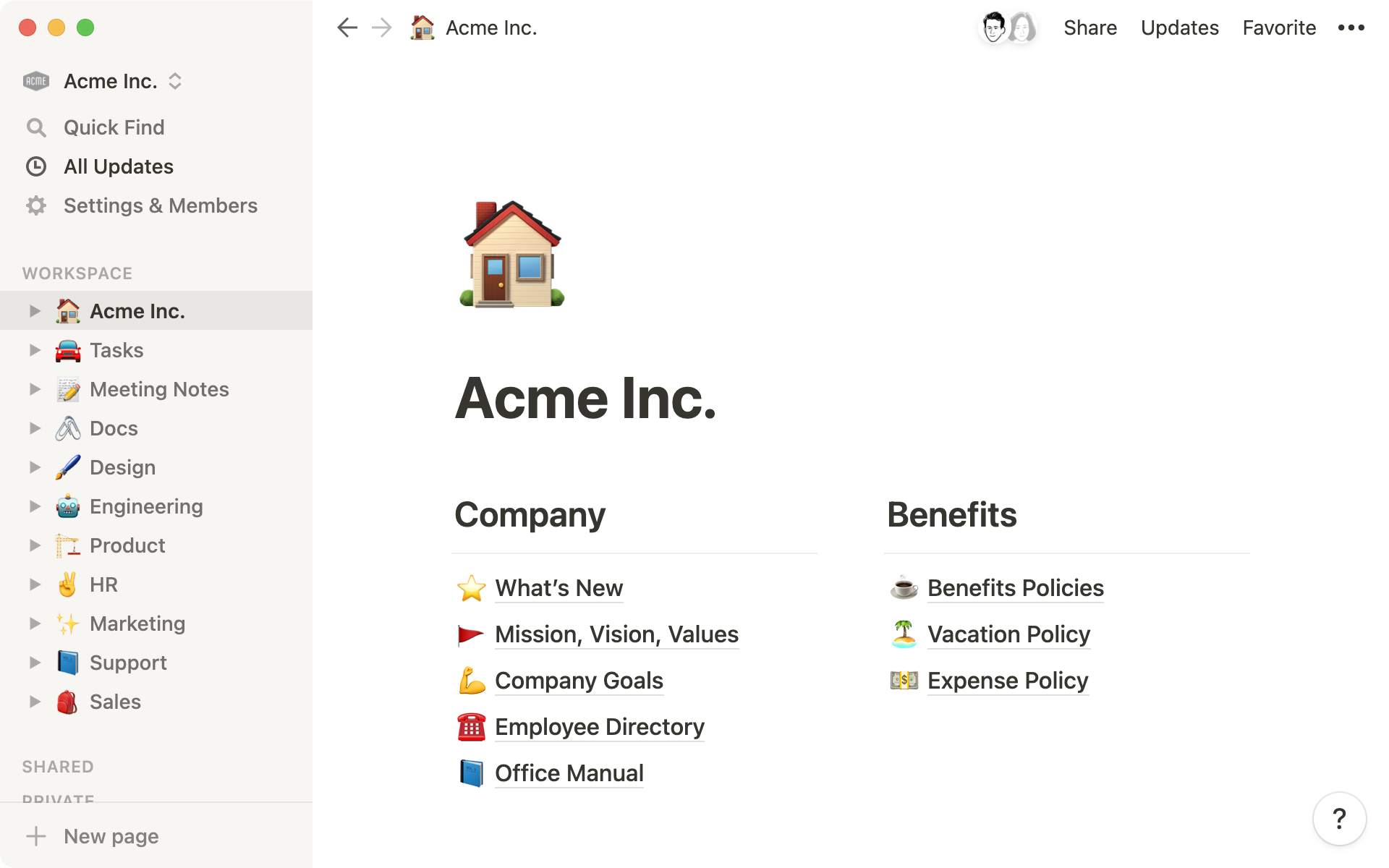
The official Notion MCP lets Claude read and write directly to your workspace using natural language.
I will often ask Claude to find my last ten meeting notes and summarize key decisions grouped by project. In thirty seconds, it can pull the notes, identify patterns I’d missed, and organize everything into a usable summary.
Notion offers one click installation for Claude Desktop. Users report saving six or more hours weekly by letting Claude handle organizational grunt work.
Try asking Claude to create a content calendar database, update all tasks tagged “Q1 goals” to In Progress, or find everything updated this week related to a specific project.
I use Notion for productivity tracking, finance management, and capturing blog ideas I want to write about later. I also have ADHD, and Claude knowing that context changes everything. When I ask Claude to help me organize my week or prioritize tasks, it already understands that I need things broken into smaller chunks, that I work better with external accountability, and that traditional productivity advice often backfires for the way my brain works. That persistent context makes Claude feel less like a tool and more like an assistant who actually gets it.
3. Blog and Content Production Pipeline
Claude Code handles research, outlines, grammar, SEO recommendations, and WordPress publishing through MCP. It turns content creation from a solo grind into a collaborative workflow where your files become persistent context.
This is where I spend a lot of my time with Claude Code. It handles research, outlines, revisions, and repurposing across channels. I write a rough draft and Claude Code helps with punctuation, grammar, supporting articles and facts. The list goes on. I love writing this blog and with the help of Claude Code, I can write it in a way that readers can digest but keep my original thoughts and voice. WordPress also offers an MCP that lets you make edits directly from Claude Code.
Aaron Held describes his workflow as collaborative. “This isn’t Claude writing for me. It’s Claude writing with me.” He uses Claude to brainstorm headlines, critique sections, conduct research, and make SEO recommendations.
The key insight is that your files become your context. Add new content to a folder, Claude sees it immediately. No reuploading. No pasting into chats.
Some creators have built custom Claude skills that handle topic research, outline generation, drafting, and SEO optimization with a single command. If you want to learn more about getting started with AI tools, content creation offers the clearest ROI.
4. Personal Knowledge Base and Second Brain
Point Claude Code at a folder of Obsidian or markdown notes and your entire knowledge base becomes searchable through natural language. The COG second brain project adds pattern recognition and auto-classification across domains.
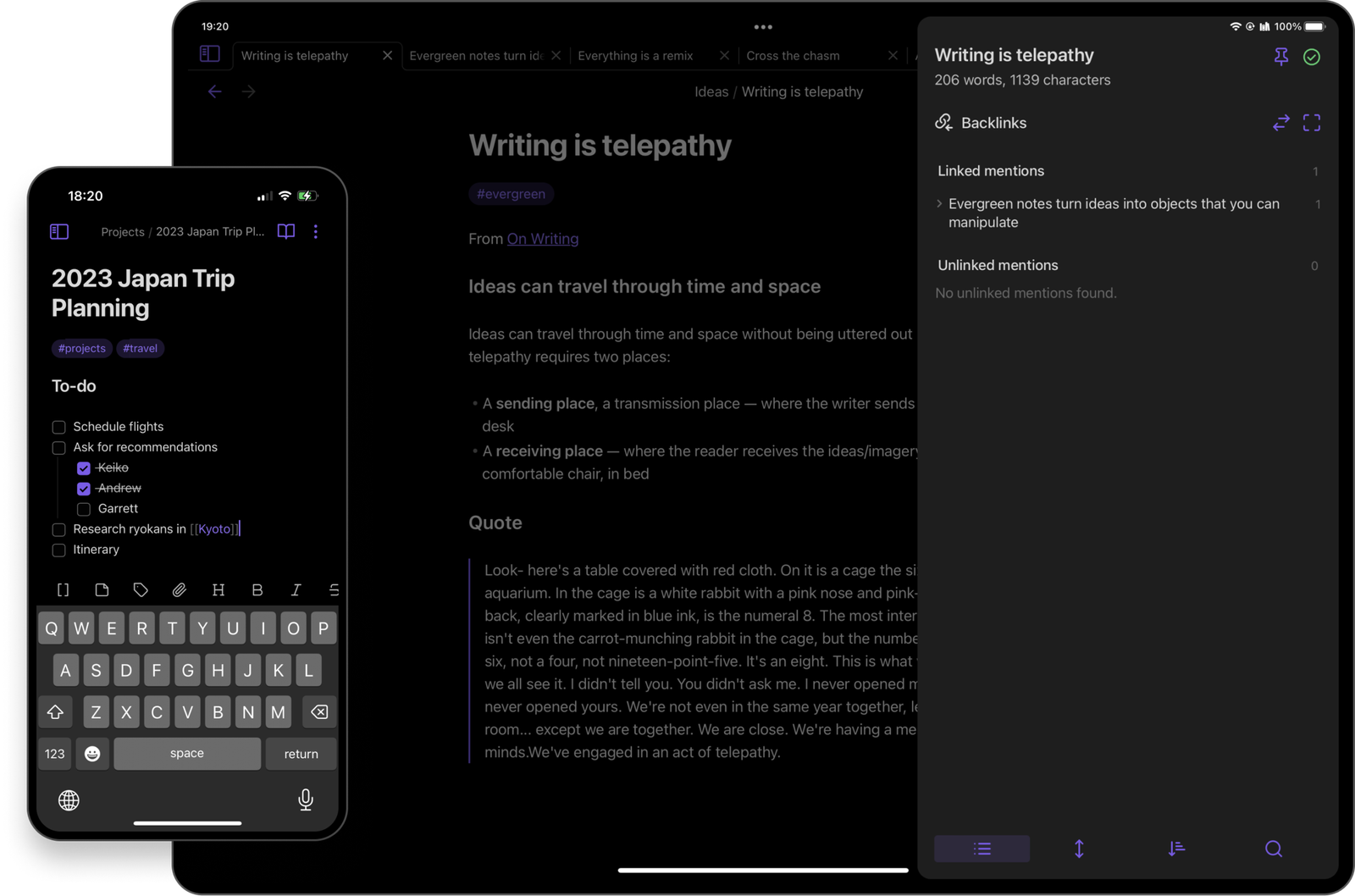
Many people use Claude Code as the front door to their personal knowledge base. Tools like Obsidian or local markdown folders become searchable and actively useful instead of just storage.
One Medium writer pointed Claude Code at 1,500 Obsidian notes. They became instantly searchable through natural language. He kicks off new ideas by telling Claude he’s in “thinking mode” not “writing mode” to slow the model down and have it ask clarifying questions.
The COG second brain project offers pattern recognition across notes, auto classification by domain, and knowledge consolidation. The system learns your thinking patterns over time.
5. Meeting and Research Processing
Claude Code transforms raw meeting transcripts from Zoom, Granola, or Otter into structured action items, decision summaries, and follow-up lists. It handles its full 200K context window for even the longest recordings.
If you’ve ever taken meetings, you know the real work begins after the call ends. Notes to write up. Action items to extract. Follow ups to schedule. Most of it never gets done.
Claude Code turns meeting transcripts into usable assets. Feed it a transcript from Zoom, Granola, or any recording tool. Out come decisions, action items, and quote backed verification.
A Claude Code recipe for this workflow advises not to over edit your notes first. Your raw notes with half sentences and shorthand are fine. Claude’s good at interpretation.
Otter uses Claude to power their AI Meeting Assistant. Claude’s 200k context window handles long transcripts that previous models struggled with.
Getting Started with Claude Code for Non-Coders
Start with one use case like meeting notes or Notion organization, get it working, then expand from there using the Awesome MCP Servers directory to find integrations for whatever tools you already use.
The barrier to entry is lower than you think. Start with one use case. Maybe processing meeting notes. Maybe organizing Notion. Pick one thing, get it working, then expand.
For finding MCPs to extend what Claude Code can do, check out Awesome MCP Servers. It’s a curated directory of integrations organized by category. Search, productivity, file systems, databases, communication tools. Whatever you need to connect, someone’s probably built an MCP for it. Check out our Start Here guide or browse our guides section for more.
This video goes deep on using Claude Code outside of programming. It is worth a watch if you want to see real workflows in action.
Frequently Asked Questions About Claude Code for Non-Coders

Do I need coding experience to use Claude Code?
No. You describe what you want in plain English and Claude figures out how to do it.
What is MCP?
Model Context Protocol. It lets Claude connect to external tools like Google Calendar and Notion, reading and writing on your behalf.
Is Claude Code free?
Claude Code requires a Claude Pro subscription. Some MCP integrations like Notion work with free tiers of those tools.
Can it replace my virtual assistant?
For routine tasks like calendar management, email drafting, and note organization, yes. It works best for structured, repeatable tasks.
WHO WROTE THIS
Moses Smith. I write Everyday AI for people who aren’t engineers. I go try the tools, then tell you honestly whether they were worth it. Sometimes the answer is no, and that’s kind of the point.
This blog is free and has no ads. If it saved you some time, you can buy me a coffee.