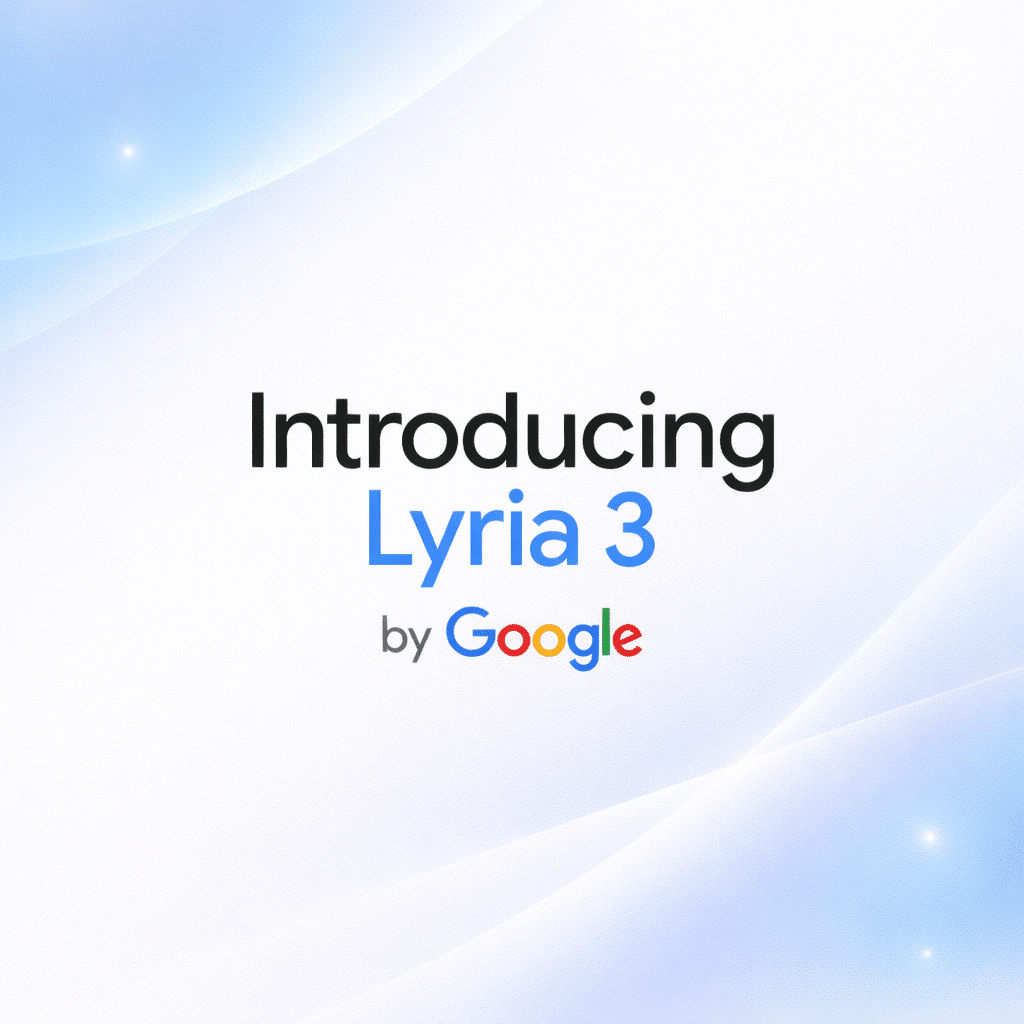
ℹ️ Quick Answer: Google Lyria 3 is DeepMind’s newest AI music model, now live inside the Gemini app. It generates 30 second tracks with vocals, lyrics, and cover art from a text prompt, photo, or video. Free for all users 18 and older, with higher generation limits for paid subscribers.
What’s inside
- What Lyria 3 Actually Does
- Why Lyria 3 Is a Big Deal for Content Creators
- What You Get with Lyria 3 (And What You Don’t)
- Frequently Asked Questions
Lyria 3 dropped today and it already solves a problem I deal with from time to time. I make App Store preview videos for my apps. Nothing fancy. Screen recordings, a few transitions, maybe some text overlays. The one thing that always slows me down is finding background music that fits.
Royalty free music sites like Epidemic Sound and Artlist have thousands of tracks and somehow none of them are right in certain situations. They are either too generic, too dramatic. Too “corporate training video from 2019.” You get my drift. I usually spend more time hunting for a 30 second soundtrack than I spend editing the actual video.
So when Google announced Lyria 3 inside Gemini today, I paid attention.
What Lyria 3 Actually Does
Lyria 3 generates 30 second, 48kHz audio tracks with vocals, lyrics, and cover art directly inside the Gemini app from a text prompt, photo, or video clip. No separate tool or subscription required.
Lyria 3 is Google DeepMind’s most advanced music generation model. It lives directly inside the Gemini app, which means you do not need a separate tool or subscription. Open Gemini, go to Tools, tap Music, and describe what you want.
Tell it “upbeat electronic track for an app demo” and it spits out a 30 second track at 48kHz. Vocals, lyrics, all of it. Want instrumental only? Just say so. You can also upload a photo or video clip and Lyria 3 will compose something that matches the mood.
The model handles structure too. Intros, verses, choruses, transitions. It actually sounds like a song, not a random loop of sounds. You can tweak the style, vocals, and tempo until it fits what you need.
Gemini also auto generates cover art for each track using its Imagen 3 image model. So you get audio, lyrics, and artwork from a single prompt. Honestly kind of ridiculous how easy it is.
If you have been following the Apple Siri and Gemini partnership talks, this adds another reason Gemini keeps getting more useful as a platform. Music generation on top of everything else makes the app harder to ignore.
Why Lyria 3 Is a Big Deal for Content Creators
Custom 30 second tracks cover the exact formats creators need most. Instagram Reels, YouTube Shorts, TikTok ads, App Store previews. Lyria 3 generates them for free in seconds instead of the hundreds of dollars agencies charge.

Thirty seconds is the sweet spot for so many things. App Store previews. Instagram Reels. YouTube Shorts. TikTok ads. Product demos. That awkward hold music your small business still needs.
If you are running Facebook or Google ads for a product, custom audio that matches your brand is worth real money. Agencies charge hundreds of dollars for a 30 second jingle. Lyria 3 does it in seconds for free. If you are already using AI to make money, adding custom audio to your content is one more edge.
The YouTube integration matters too. Google is rolling out Lyria 3 to YouTube creators through Dream Track, which means you can generate background music without ever leaving the platform. For anyone making content at scale, that removes a real bottleneck.
Remember when Bandcamp banned AI generated music back in January? That was about protecting artists on a music marketplace. This is different. Nobody is pretending Lyria 3 output is human made art. It is a utility for background tracks, for functional content, and for that use case it is exactly what a lot of creators have been waiting for. Competitors like Suno and Udio generate longer tracks, but neither of them is built into an app 500 million people already use.
What You Get with Lyria 3 (And What You Don’t)
Lyria 3 is free in beta on Gemini desktop now and rolling out to mobile. Google AI Plus, Pro, and Ultra subscribers get higher generation limits. All tracks are watermarked with SynthID, and commercial licensing terms have not been published yet.
Lyria 3 is available now in beta on Gemini desktop, rolling out to mobile over the next few days. All users 18 and older can access it for free. Google AI Plus, Pro, and Ultra subscribers get higher generation limits.
It supports eight languages right now. English, German, Spanish, French, Hindi, Japanese, Korean, and Portuguese. More languages are planned as the beta expands.
Every track gets watermarked with Google’s SynthID technology, so AI generated music can be identified even if someone strips the metadata. Google is also clear that the tool is “designed for original expression, not for mimicking existing artists.” Do not expect to type “make me a Drake song” and get anything useful.
The biggest unknown right now is commercial licensing. Google has not published clear terms on whether you can use Lyria 3 output in paid ads or commercial products. If you are planning to use it for business, keep an eye on their terms of service updates. If you are just getting started with AI tools, Lyria 3 in Gemini is one of the easiest ones to try.
Frequently Asked Questions

Is Google Lyria 3 free to use?
Yes. Lyria 3 is available to all Gemini users 18 and older. Free users can generate tracks with some limits. Google AI Plus, Pro, and Ultra subscribers get higher generation allowances.
How long are Lyria 3 tracks?
Each generated track is 30 seconds long at 48kHz quality. You can request vocal tracks with auto generated lyrics or instrumental only versions.
Can I use Lyria 3 music in my videos or ads?
Google has not published specific commercial licensing terms yet. All tracks are watermarked with SynthID for AI identification. Check Google’s terms of service for the latest guidance before using generated tracks commercially.
AI just made custom soundtracks as easy as typing a sentence. For anyone making videos, ads, or content on a deadline, Lyria 3 is worth trying today.
Related reading: Bandcamp Bans AI Music: First Major Platform to Draw the Line | Seedance 2.0 AI Video Goes Viral | New to AI? Start here
WHO WROTE THIS
Moses Smith. I write Everyday AI for people who aren’t engineers. I go try the tools, then tell you honestly whether they were worth it. Sometimes the answer is no, and that’s kind of the point.
This blog is free and has no ads. If it saved you some time, you can buy me a coffee.