
ℹ️ Quick Answer: You can build an app without coding by describing what you want in plain English to an AI tool like Lovable, Bolt, or Replit. The AI writes the code, shows you a live preview, and publishes to a real URL. Free tiers exist and real apps come out the other end. The catches are security and credits, covered below.
📋 WHAT’S INSIDE
- What Vibe Coding Actually Is
- What Can You Actually Build Without Coding?
- The Tools, and Which One to Start With
- How to Build an App Without Coding: The Steps That Work
- What It Actually Costs
- The Honest Limitations
Last updated August 16, 2026
You can build an app without coding in 2026, and I say that as someone who writes code for a living. I’m an engineer, I build things the regular way, and I don’t use Lovable or any of the tools in this guide. I keep watching people who have never programmed ship real, working apps with them anyway, and I think that’s genuinely great.
The reason these tools matter is speed. Getting something in front of people quickly is sometimes the whole game, and this compresses the distance between “I have an idea” and “click this link” into an evening. Product managers are using Lovable to mock up a feature so the team can react to something clickable instead of a spec document, and founders are using it to put a working demo in front of users before paying for real development.
So this guide is my engineer’s honest read on the category. What these tools actually do, which one to start with, what it costs, and the part most articles skip, which is where it all goes wrong.
What Vibe Coding Actually Is

Vibe coding means describing the software you want in plain English and letting AI write all the code. You judge the result by using it, not by reading it.
Andrej Karpathy, a co-founder of OpenAI, coined the term in February 2025, describing “a new kind of coding … where you fully give in to the vibes, embrace exponentials, and forget that the code even exists.” He meant it half as a joke about his own weekend projects. Within a year it was an industry.
The practical version for a non-technical person looks like a chat window. You type what you want, the tool builds it and shows you a live preview, and you respond to what you see the way you’d give feedback to a contractor. “Make the buttons bigger.” “Add a total at the top.” “That broke, put it back.” The code exists somewhere underneath, and you never have to look at it.
What Can You Actually Build Without Coding?

The sweet spot is small, single-purpose tools, so trackers and calculators and forms and little client pages, plus prototypes of bigger ideas. You are not going to build the next Uber, and the people who try are the ones who end up in the horror stories.
Within that sweet spot, the range is wider than you’d guess. People have shipped vibe-coded apps with real revenue and real users, and small-business jobs like booking inquiry pages and simple client dashboards, the kind of work people used to hire a freelancer for, now take an afternoon.
There’s a professional version of this too, and honestly I think it’s the strongest use case. When a product manager can hand engineers a clickable mockup of the feature they’re imagining instead of a document describing it, everyone argues about the real thing instead of their own mental pictures of it. Seeing a thing beats describing a thing.
If you’re building for yourself, start with something only you will use, because when you’re the only user, rough edges don’t cost anything. The spreadsheet you keep forgetting to open is the perfect first project, whatever yours happens to be.
The Tools, and Which One to Start With
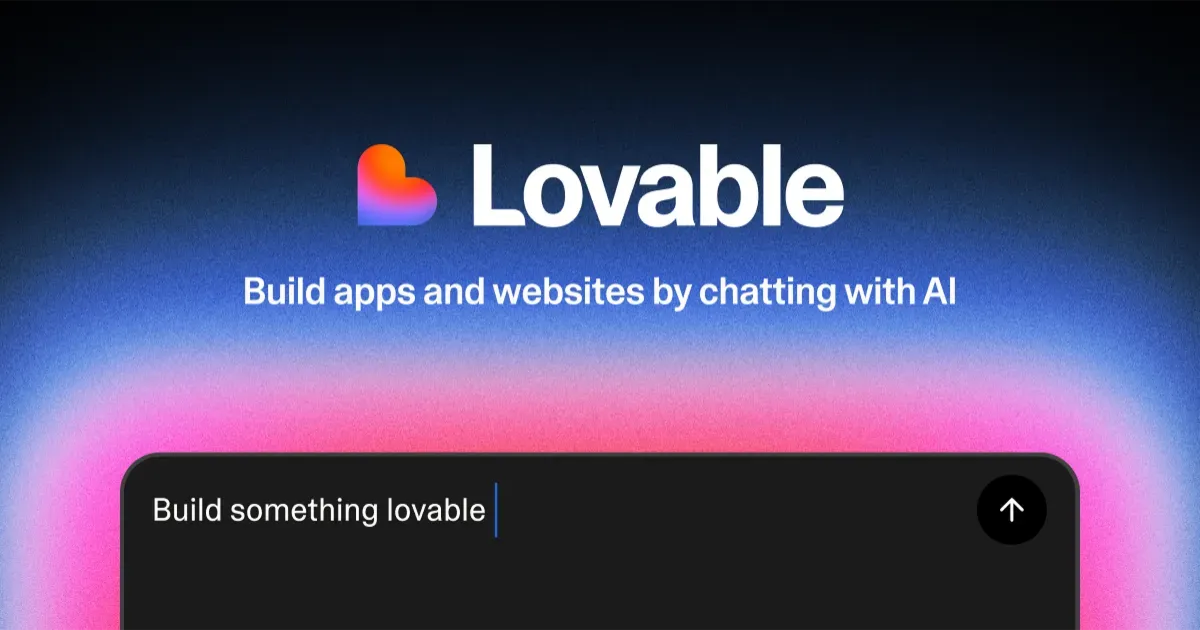
Start with Lovable if you have never written code. Bolt.new and Replit are strong alternatives, v0 is best for interfaces, and Cursor is the one you can skip for now.
Lovable
Lovable is the friendliest starting point and the one I’d hand to a total beginner. The whole interface is a chat box plus a live preview, it handles the database side for you through a service called Supabase, and publishing is one button. The company tripled its valuation to $6.6 billion on the strength of exactly this audience, people with ideas and no engineering team.
Bolt.new
Bolt runs entirely in the browser and is quick from prompt to preview. It’s a bit more of a power tool than Lovable, and it’d be my second pick for a beginner.
Replit
Replit is the most complete of the three, because its agent handles databases, logins, and deployment in one place, and it can even get you to a real mobile app in the App Store. The tradeoff is more moving parts on screen.
v0
v0 comes from Vercel and is built for interfaces and landing pages, anything where the design matters more than the data. It’s the one designers seem to reach for.
What about Cursor?
Cursor gets named in every roundup, so here’s the honest version: it’s an AI code editor built for people who already program. You see the actual files and the actual code. It’s excellent at what it does, and it is the wrong first stop for a non-technical person. If your vibe-coded project ever outgrows Lovable, Cursor is where a developer would take it next.
How to Build an App Without Coding: The Steps That Work

Describe one small job in a single paragraph, build in tiny steps, test after every change, and publish once it does that one job well. That’s the whole method, and it’s the same discipline engineers use, just in English instead of code.
- Write one paragraph describing the single job your app does, who uses it, and what they see first. Three sentences about a subscription tracker with a monthly total is plenty.
- Paste it in and let the first version generate. Click every button in the preview before you ask for anything else, because you want to know what you actually have.
- Ask for one change at a time. “Add a cancel button and a monthly total” goes fine. Five requests in one message is how you get a mess you can’t untangle.
- When something breaks, say what you saw, not what you think the cause is. “The total shows $0 after I add an item” gets a better fix than guessing at the code.
- Publish early. A live URL you can open on your phone tells you more about your app than another hour of tweaking the preview.
One habit that saves credits is asking the tool to explain its plan before any big change. Lovable charges a flat single credit for a planning message, while a vague build request can burn several credits producing something you’ll ask it to undo.
What It Actually Costs
You can genuinely start free, and the first paid tier across these tools lands around $20 to $25 a month.
Lovable’s free plan gives you 5 build credits a day, up to 30 a month, plus a monthly grant of Cloud credits for hosting. A credit roughly equals one request, a complicated request costs more, and unused monthly credits expire after two months, so they don’t pile up for a rainy day. The Pro plan is about $25 a month for a bigger pool and private projects.
A small single-purpose app fits inside the free tier’s 30 monthly credits as long as your prompts stay specific, and hiring a freelance developer for even a trivial app starts in the hundreds of dollars, so the math isn’t close. The place costs sneak up is iteration: every “actually, move that button back” is a credit, and vague prompts are expensive prompts.
The Honest Limitations
Security is the big one, and I want to be direct about it because most guides aren’t. In October 2025, the API security firm Escape scanned 5,600 publicly available vibe-coded apps and found more than 2,000 high-impact vulnerabilities, over 400 exposed secrets like API keys, and 175 cases of exposed personal data. Earlier that year, a vulnerability catalogued as CVE-2025-48757 showed Lovable-built apps shipping databases without proper access rules, and reporting on the platform’s security record has stayed rough since.
The plain-English translation: the AI builds the rooms and frequently forgets to put locks on the doors. It can’t hurt you much when the app only holds your own grocery list. It matters enormously the moment your app collects other people’s emails, payments, health details, or anything else you’d feel sick about leaking. The rule I’d give you as an engineer is that personal tools get built freely, and anything that stores someone else’s data gets a security review from a real developer before the link goes out.
Two smaller frustrations to expect. First, the AI sometimes gets stuck in a loop where each fix breaks something else, and since you can’t read the code, your only move is to roll back to an earlier version and take a smaller step. Second, these apps are commodities now. Whatever you build, someone else can build in an afternoon too, so the value is in solving your problem, not in the app itself.
Can I really build an app without knowing how to code?
Yes. Tools like Lovable, Bolt.new, and Replit turn a plain-English description into working code, show you a live preview, and publish the result to a real URL. You react to what you see instead of reading code. Small, single-purpose apps work best.
Is Lovable free to use?
Lovable’s free plan includes 5 build credits a day (up to 30 a month) plus monthly Cloud credits, which is enough to build and publish one small app. The Pro plan runs about $25 a month if you want more credits and private projects.
Are vibe-coded apps safe to share publicly?
For an app that only holds your own data, the risk is low. Security researchers at Escape scanned 5,600 vibe-coded apps in October 2025 and found over 2,000 high-impact vulnerabilities, so the moment your app collects other people’s emails, payments, or personal details, have someone technical review it first.
Do I need Cursor to build an app without coding?
No. Cursor is an AI code editor aimed at people who already program, and it shows you the actual code. If you’re non-technical, start with Lovable or Replit instead, where the interface is a chat window and a live preview of your app.
The spreadsheet you keep forgetting to open is sitting right there. Give it a free evening and see what comes out.
Related reading: Lovable’s valuation triples to $6.6 billion | 5 vibe-coded apps with real revenue and real users | Replit puts mobile apps in the App Store | New to AI? Start here
WHO WROTE THIS
Moses Smith. I write Everyday AI for people who aren’t engineers. I go try the tools, then tell you honestly whether they were worth it. Sometimes the answer is no, and that’s kind of the point.
This blog is free and has no ads. If it saved you some time, you can buy me a coffee.



Leave a Reply