
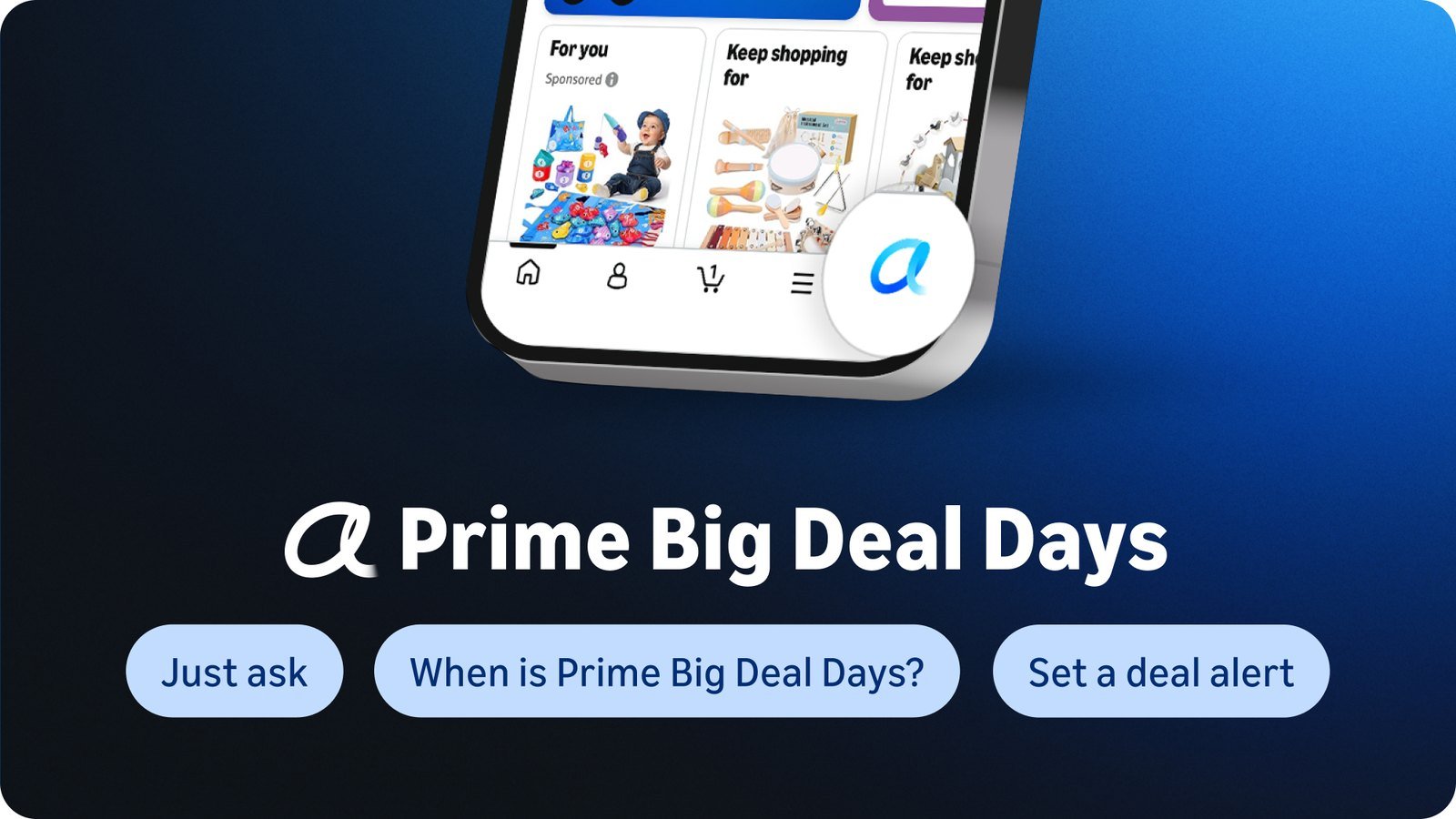
ℹ️ Quick Answer: Alexa for Shopping is Amazon’s free AI shopping assistant, the new name for Rufus since May 13, 2026. Before Prime Big Deal Days on October 6–7, use its price history to see if a deal is real, and set price alerts. Its Prime-only Auto Buy orders with your default card without asking, though you can cancel within 24 hours.
📋 WHAT’S INSIDE
- What Alexa for Shopping is
- How to check if a Prime Big Deal Days deal is real
- Price alerts vs deal alerts
- Auto Buy: the setting I’d leave off
- What Alexa for Shopping keeps about you
- FAQ
Last updated October 1, 2026
When I picture an AI agent I’d actually use, one of the first jobs is watching SlickDeals for a monitor I want and pinging me when it hits the price I’d pay. Amazon’s shopping assistant now does a version of that, and it landed right before Prime Big Deal Days on October 6 and 7.
One piece goes further than I would. Auto Buy doesn’t just ping you, it buys the thing, and my rule for any AI that touches money is that it shows me the cost and waits for a yes.
✅ Before October 6:
- Update the Amazon app and tap the Alexa icon.
- Check the Price history on anything you plan to buy.
- Set a price alert at the price you’d actually pay.
- If you’ve ever turned on Auto Buy, look at your Auto Buy Hub.
What Alexa for Shopping is
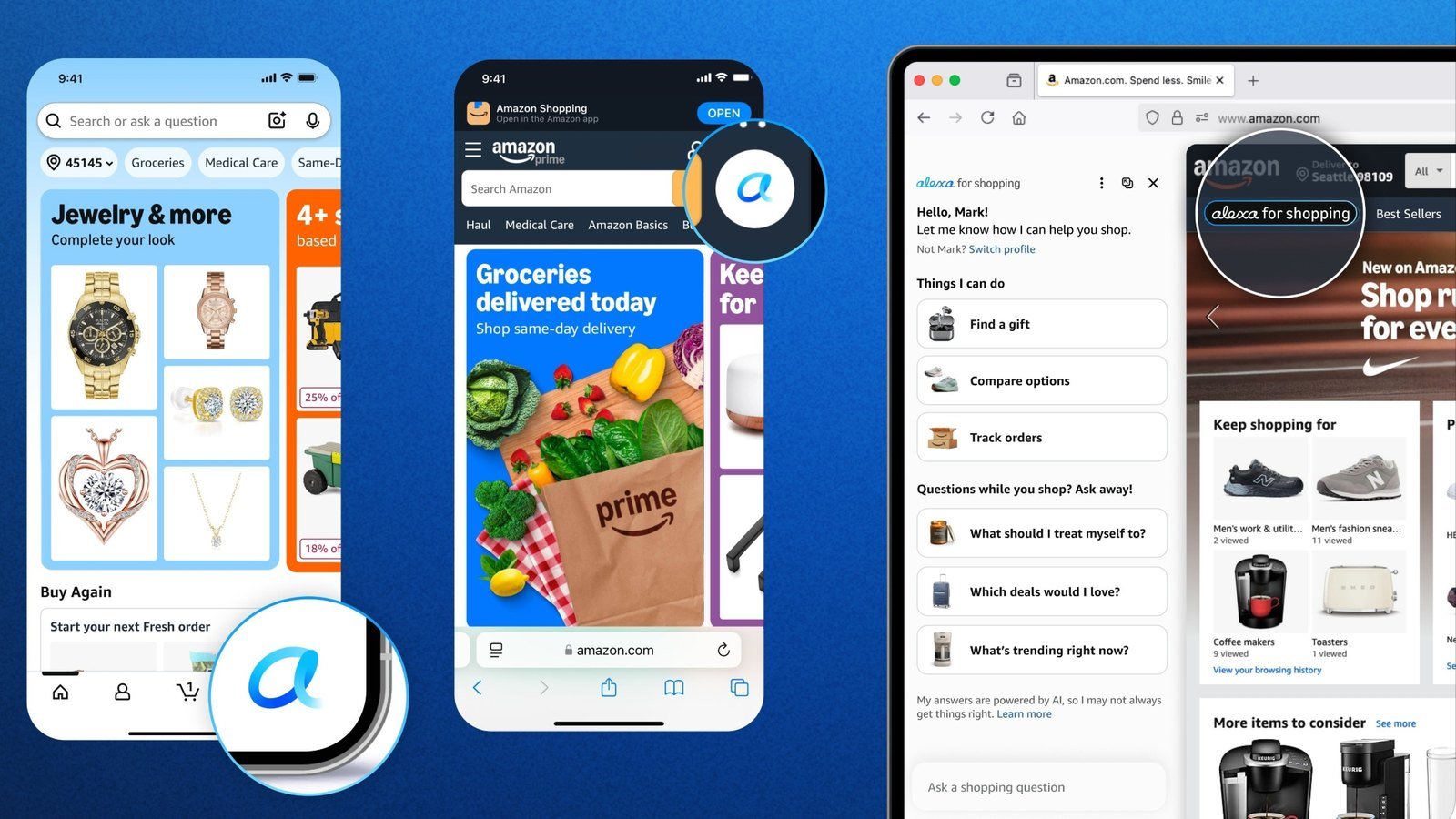
Alexa for Shopping is the AI assistant inside the Amazon app and website, and it’s free for anyone signed in. Amazon says “On May 13, 2026, Rufus was renamed Alexa for Shopping,” so if you used Rufus, this is where those features went.
In the app, tap the Alexa icon in the bottom navigation bar. On a computer, it’s at the top of the page. You don’t need Prime or an Echo for the assistant itself, but you do need Prime to shop Prime Big Deal Days, and Auto Buy is Prime-only too.
How to check if a Prime Big Deal Days deal is real
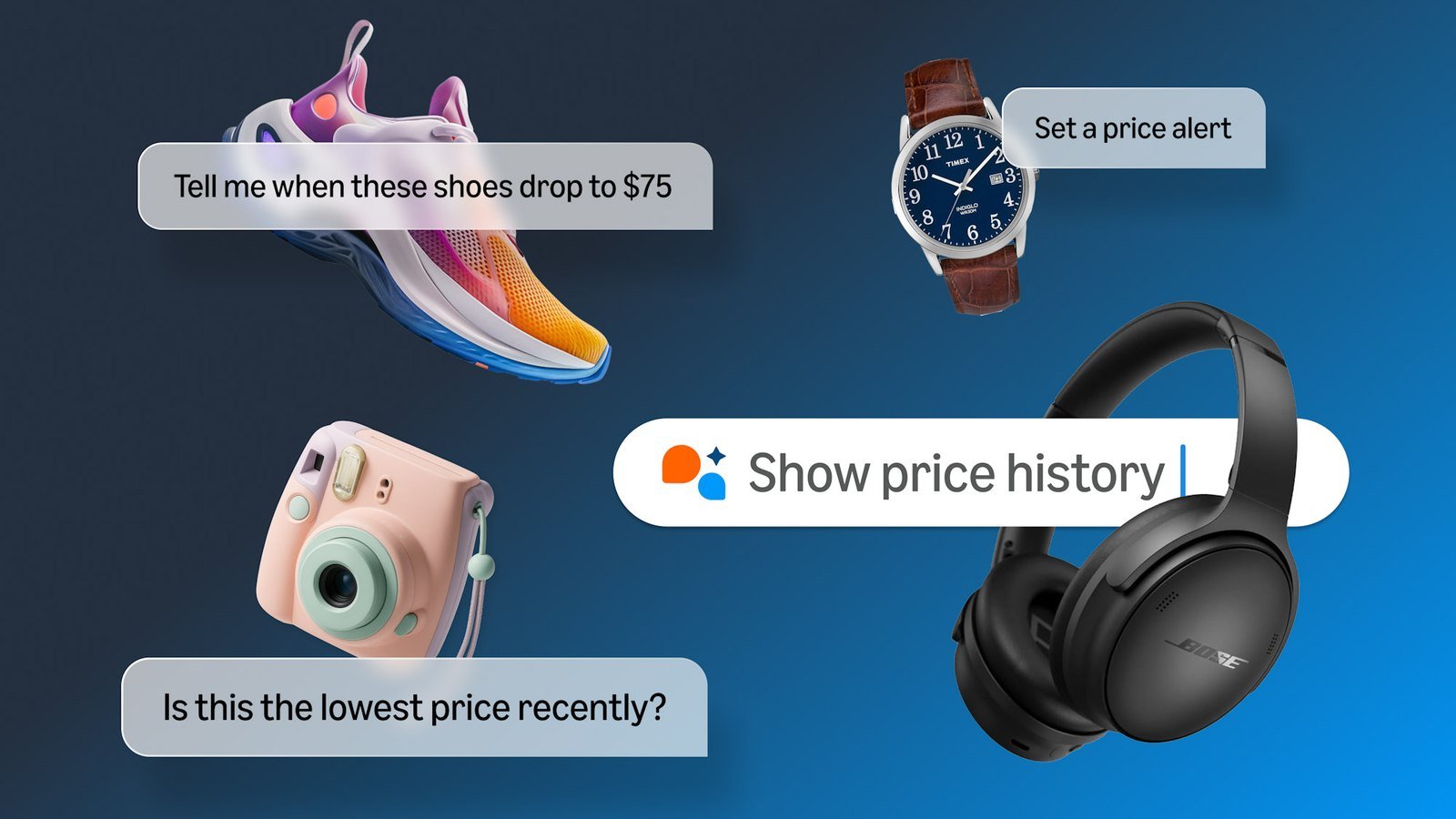
Tap the Price history link next to the price on a product page. On eligible products, Amazon shows up to 365 days of prices, so you can see whether the “deal” is actually lower than what the item usually sells for.
You can also ask Alexa for Shopping something like “Has this item been on sale in the past 30 days?” Amazon’s FAQ says the graph shows “the lowest Featured Offer price for each day or week,” meaning the price next to the Add to Cart button, and that it “may not capture every price change.” Treat it as a strong hint, not proof.
Look at the full year, because the shorter view can flatter a deal. When Which? checked 34 Amazon UK deals from the July 2025 Prime Day, 85% were the cheapest they’d been in six months, but 56% had been cheaper at some point in the previous 12 months. Consumer Reports also suggests Keepa and CamelCamelCamel, two price trackers you can use as a second opinion, and our AI shopping assistant guide covers comparing across stores.
Price alerts vs deal alerts
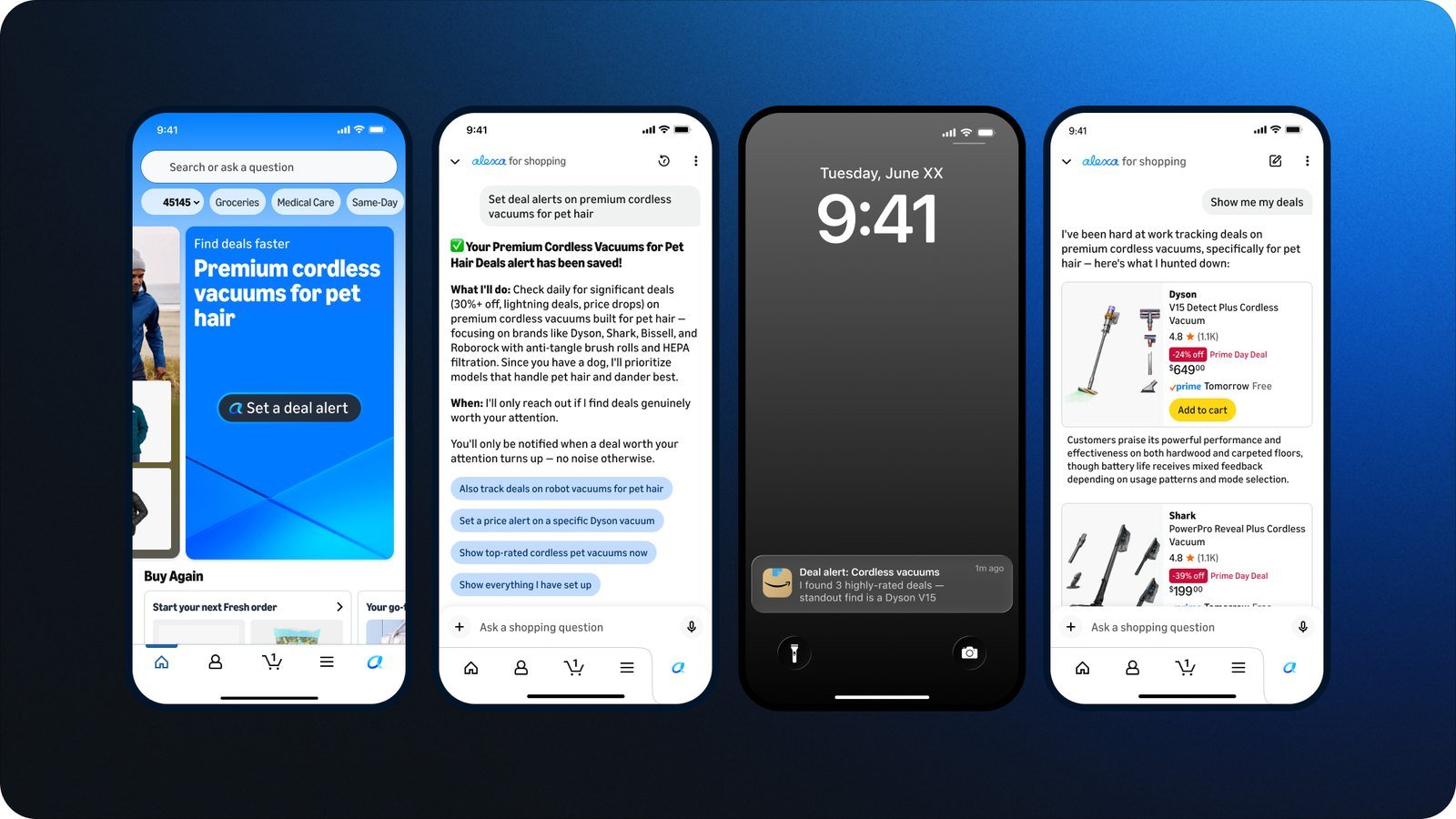
A price alert watches one item for a target price. A deal alert watches a whole category and sends you daily updates, and Amazon says it’s new for this Prime Big Deal Days.
On a product page, ask Alexa for Shopping something like “Alert me when this drops to $50.” For a deal alert, ask “Alert me to deals on noise-canceling headphones.” Neither one buys anything, so you’re still the one who presses Buy.
Make sure the Amazon app is allowed to send notifications, or the alerts go nowhere. Engadget’s walkthrough says on an iPhone that’s Settings, then Apps, then Amazon, then Notifications. If you set an alert by voice on an Echo, Amazon says Alexa only watches the item for 30 days.
Auto Buy: the setting I’d leave off
Auto Buy goes one step past a price alert. You ask Alexa for Shopping something like “Buy these headphones when they’re $75 or less,” and when the price hits your target, Amazon places the order with your default payment method and emails you the confirmation.
It checks prices about every 30 minutes and only works on items Fulfilled by Amazon, the ones that ship from Amazon itself. Coupons don’t apply and there’s no overall spending cap, and Amazon’s terms say that if your default card fails, it can charge “another payment method in your account.”
You can cancel an Auto Buy order within 24 hours in Your Orders, and Amazon says “You will only be charged if the item is shipped to you.” I’d still rather it waited for a yes. A price alert gives you the same heads-up, and you can also ask Alexa for Shopping to add something to your cart when the price drops, then review it and check out yourself. If you’ve already set up Auto Buy, the Auto Buy Hub lets you see your requests and turn them off. It’s the same reason I like that ChatGPT dots need your approval before a purchase.
What Alexa for Shopping keeps about you
It keeps your chats until you delete them. Alexa for Shopping uses your shopping history, browsing, and past conversations, and Amazon says those conversations “flow in both directions” between your Echo and the store. Typed requests and voice transcripts in the app are kept “until you choose to delete them.”
To clear them, go to the Review Alexa History page. To see what Amazon has picked up about your preferences, tap your name in the app or on Amazon.com and open About you. Amazon also says the assistant “may not always get things right,” so check sizing or compatibility on the product page before you buy.
Alexa for Shopping FAQ
Is Alexa for Shopping free?
Yes. Anyone signed in to Amazon in the US can use it in the app or on Amazon.com, no Prime or Echo needed. Auto Buy is the exception, and it requires Prime.
When is Prime Big Deal Days 2026?
October 6 and 7, starting at 12:01 a.m. PDT on October 6. You need a Prime membership to shop the deals.
How do I cancel Amazon Auto Buy?
Ask Alexa for Shopping to cancel the request, or turn it off in the Auto Buy Hub at amazon.com/buying-rules. If it already placed an order, you can cancel within 24 hours in Your Orders.
Is Amazon’s price history accurate?
It’s a good guide, not a guarantee. Amazon says it shows the lowest featured price for each day or week and may not catch every price change.
Whatever you shop on October 6 or 7, check the price history before you click Buy.
Related reading: AI shopping assistant guide | The rules to set before ChatGPT dots spend | Meta’s $199 Hatch agent idea | Meta Muse vs ChatGPT | New to AI? Start here
WHO WROTE THIS
Moses Smith. I write Everyday AI for people who aren’t engineers. I go try the tools, then tell you honestly whether they were worth it. Sometimes the answer is no, and that’s kind of the point.
This blog is free and has no ads. If it saved you some time, you can buy me a coffee.




Leave a Reply