
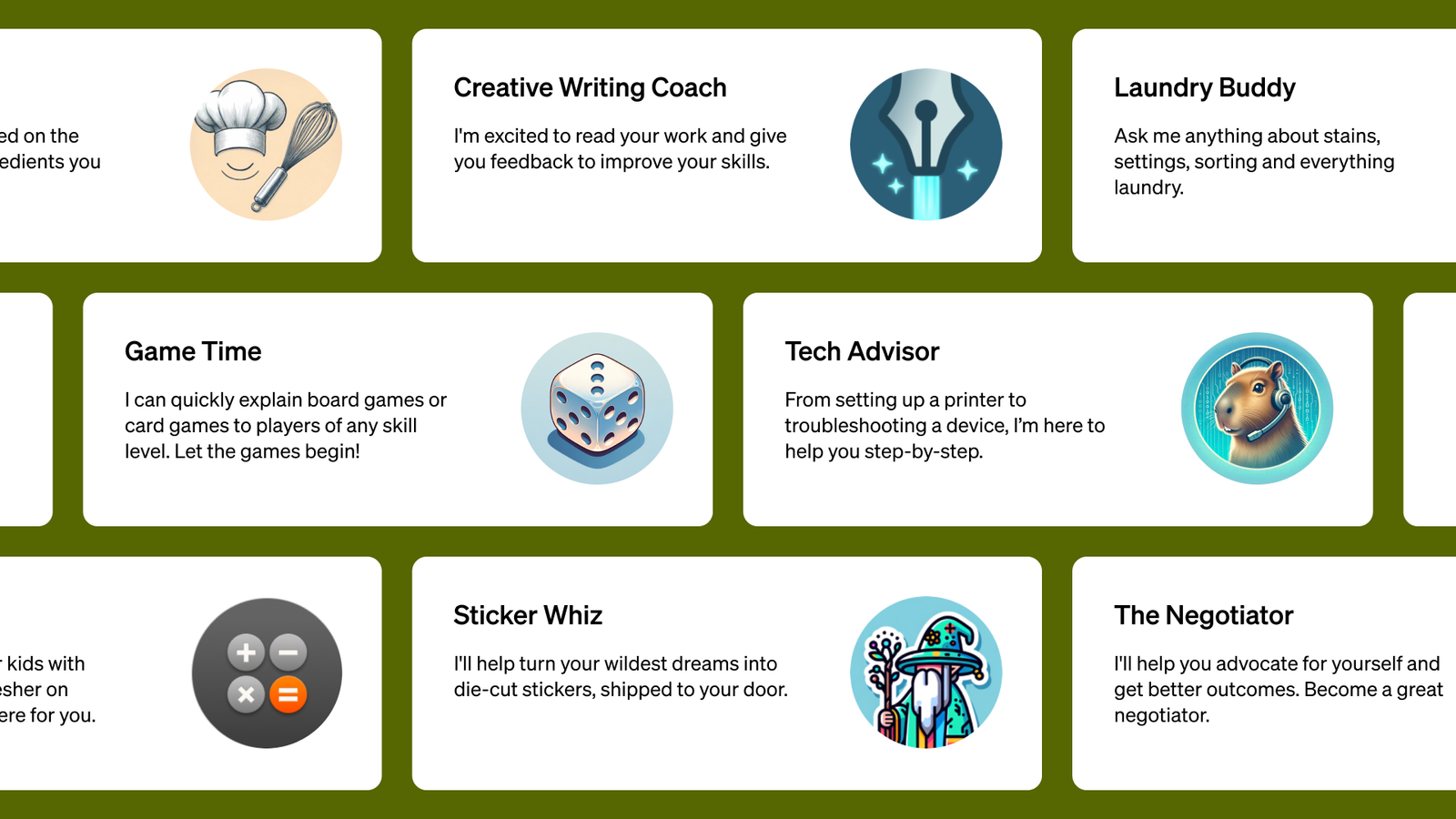
ℹ️ Quick Answer: Custom GPTs retiring is official. OpenAI’s FAQ says the transition affects all ChatGPT plans, and custom GPTs are scheduled to retire on December 11, 2026, unless the notice on your account gives a different timeline. Existing GPTs keep working until then, and OpenAI is moving them to plugins through a Migrate to plugin option.
📋 WHAT’S INSIDE
- Are my custom GPTs going away, and when?
- What carries over to plugins and what doesn’t
- What to do this week
- What about GPTs other people made?
- Common questions
Last updated September 20, 2026
Custom GPTs retiring became official on September 11, when OpenAI’s ChatGPT release notes said the company plans “to retire custom GPTs across ChatGPT plans,” as mixed-news reported. They’re being replaced by plugins, which are OpenAI’s newer way to package instructions, reference files, and connected apps so ChatGPT can use them for a task.
If you only use a GPT someone else made, you don’t have to do anything yet except check whether its maker offers a replacement before December 11.
I use custom GPTs regularly and I’m a believer in them. A GPT built for one specialty usually gives me a better, more concise answer on that specialty. I’m fine with them moving to plugins, so what I wanted to know was what happens to the ones people already have.
Are my custom GPTs going away, and when?
Yes. OpenAI’s custom GPT retirement and migration FAQ says “Custom GPTs are scheduled to retire on Dec 11, 2026,” and that the transition affects all ChatGPT plans. Your existing GPTs stay usable until retirement.
It also tells you to “Follow the notice for your account or workspace, including any different timeline communicated to you,” so your own date could be different. For Enterprise workspaces, the migration tool is targeted for September 22, creating new custom GPTs is planned to end on October 26, and on December 11 GPTs stop running and leave the GPT directory. OpenAI says those dates are subject to change.
What carries over to plugins and what doesn’t

Your GPT’s instructions become a skill in the plugin, its connected apps are added as apps, and its knowledge files are copied into the plugin’s reference files. The selected model, custom actions, existing conversations and sharing settings don’t carry over.
Custom actions take the most work. If your GPT calls an outside service, that connection has to be rebuilt, and OpenAI says that may need a custom MCP server, which is a technical connector a developer sets up. Sharing resets too. The plugin starts private, and people who used your GPT don’t automatically get the replacement.
To migrate, you go to My GPTs and pick Migrate to plugin, once it’s available for your account. It uses the latest published version, so drafts and unpublished edits don’t transfer. Afterward the original GPT becomes read-only and stays usable until retirement.
What to do this week

OpenAI’s own prep advice is to list the GPTs you rely on, save a few familiar prompts so you can compare results, and finish and publish any essential edits before you migrate.
If you want a backup copy as well, PCWorld walks through the clicks. In the ChatGPT web app you go to GPTs, then My GPTs, then Edit, then the Configure tab, and you copy out the instructions and download any knowledge files.
What about GPTs other people made?
Only the person who made a GPT can migrate it. OpenAI says to check the notice on the GPT and the creator’s guidance.
Access to a GPT doesn’t guarantee access to its replacement plugin. Public GPTs created in affected Enterprise workspaces are included even if you use them from a personal account. If you lean on somebody else’s GPT, save the prompts you use with it.
Common questions
Will my old custom GPT chats move to the plugin?
No. OpenAI’s FAQ lists existing conversations among the things that don’t transfer. PCWorld notes you can move an old GPT conversation into a ChatGPT project from its three-dot menu.
Do I have to make my GPT public to migrate it?
No. Migration uses the latest published version, and OpenAI says publishing doesn’t require sharing publicly. Drafts and unpublished edits get left behind.
What is a ChatGPT plugin?
A plugin packages skills, apps and app templates, and it works across Chat, Work and Codex, mixed-news reports.
OpenAI says Migrate to plugin shows up when it’s available for your account, and the only target date it gives is September 22 for Enterprise. I’ll update this post when OpenAI says when that option reaches personal accounts.
Related reading: ChatGPT sponsored agents, explained | ChatGPT scheduled tasks guide | New to AI? Start here
WHO WROTE THIS
Moses Smith. I write Everyday AI for people who aren’t engineers. I go try the tools, then tell you honestly whether they were worth it. Sometimes the answer is no, and that’s kind of the point.
This blog is free and has no ads. If it saved you some time, you can buy me a coffee.






Leave a Reply