

ℹ️ Quick Answer: To turn off Gemini on an Android phone, open Settings, then Apps, Default apps, and Digital assistant app, and pick None. Then set the power-button hold to the power menu. In Google Messages, turn off Show Gemini button. For Gmail, Docs, and Drive, turn off Smart features in Google Workspace. There’s no single switch for everything.
📋 WHAT’S INSIDE
- How to turn off Gemini on an Android phone
- How to turn off Gemini on a Samsung Galaxy
- How to turn off Gemini in Google Messages
- How to turn off Gemini in Gmail, Docs, and Drive
- How to turn off Gemini in Chrome
- How to turn off Gemini in Google Photos
- How to stop Gemini from saving your chats
- What you can’t turn off
- FAQ
Last updated October 2, 2026
Google started swapping Google Assistant for Gemini on Android phones in early September, and there’s no single switch to turn Gemini off. Find the place that’s bugging you below.
✅ Quick fixes:
- Gemini pops up when you hold the power button: Settings, then System, then Gestures, then Press and hold power button, and pick the power menu.
- The Gemini button in Google Messages: tap your profile picture, then Messages settings, then Gemini in Messages, and turn off Show Gemini button.
- Gemini in Gmail, Docs, and Drive: turn off Smart features in Google Workspace in your Gmail or Drive settings.
How to turn off Gemini on an Android phone
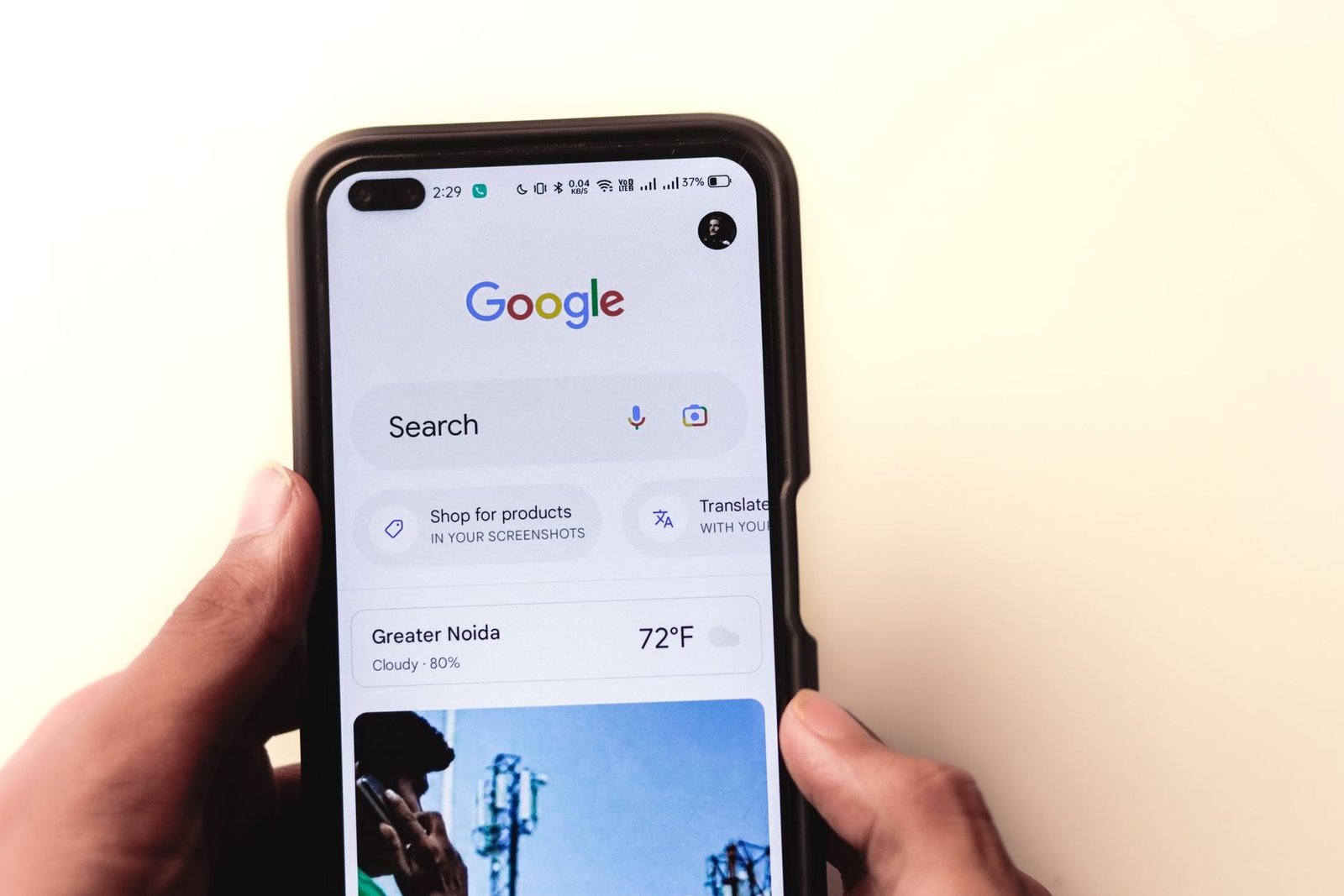
On Android, you turn off Gemini by setting your default assistant to None and taking it off the power button. Google’s help page says the menus “vary by Android device,” so if a step looks different, search your Settings for “digital assistant app.”
- Change your default assistant. Open Settings, then Apps, then Default apps, then Digital assistant app, then Default digital assistant app, and pick None. Gemini is listed as “Google,” so pick None, not Google.
- Take it off the power button. Go to Settings, then System, then Gestures, then Press and hold power button, and choose the power menu instead of Digital assistant.
- On a Pixel that uses gesture navigation, go to Settings, then System, then Navigation mode, tap the gear icon, and turn off Swipe to invoke assistant.
- Turn off “Hey Google.” Open the Gemini app, tap Menu, then your profile picture, then Settings, then Talk to Gemini hands-free, and turn off “Hey Google.”
- Keep it off your lock screen. In the same Gemini Settings, tap Gemini on lock screen and turn off Use Gemini without unlocking.
Steps 4 and 5 are inside the Gemini app, so they work the same on any phone that has it, Samsung included.
If you want the app gone too, do that last. Google warns that “Deleting the Gemini mobile app doesn’t automatically remove Gemini as your device’s default digital assistant,” and depending on your phone, you may only be able to disable the app rather than delete it.
You also can’t switch back to Google Assistant anymore. 9to5Google and Android Authority both report the option is gone in recent versions of the Google app, even though one of Google’s help pages still describes it.
How to turn off Gemini on a Samsung Galaxy
On a Galaxy phone, the side button is the main way Gemini pops up. Go to Settings, then Advanced features, then Side button, and under Long press pick Bixby or Power off menu instead of Digital assistant.
Samsung calls the default assistant menu Choose default apps, so the path there is Settings, then Apps, then Choose default apps, then Digital assistant app. Samsung notes that Bixby still wakes up from the side button if that’s what the button is set to.
Galaxy AI is separate from Gemini, and its features have their own switches under Settings, then Galaxy AI. The Process data only on device switch turns off cloud processing for those features, and Samsung says some AI features “may be integrated into the system and cannot be disabled.”
How to turn off Gemini in Google Messages
In Google Messages, tap your profile picture, then Messages settings, then Gemini in Messages, and turn off Show Gemini button. Google also notes that “Chats with Gemini aren’t end-to-end encrypted,” unlike your regular RCS chats.
If you’re also getting feature texts from a chat called Google Messages, Android Authority says those are Google’s own promo messages. Tap No thanks on the join banner, or open the chat’s menu and tap Unsubscribe.
How to turn off Gemini in Gmail, Docs, and Drive
Gemini in Gmail, Docs, and Drive is controlled by a setting called Smart features in Google Workspace. In Gmail on a computer, go to Settings, then See all settings, scroll to Google Workspace smart features, click Manage Workspace smart feature settings, and turn it off. In Drive, it’s under Settings, then Privacy.
Turning it off removes Gemini’s summaries and drafts, plus events from Gmail showing up in Calendar and personalized search in Drive. Google’s help pages don’t list a separate Docs-only or Drive-only switch for personal accounts, though in Docs the Gemini bar minimizes on its own and TechCrunch reports a bottom bar setting under the Gemini menu that hides it.
Gmail has a second setting, Smart features in Gmail, Chat, and Meet. Leave that one on unless you also want to lose your inbox tabs, Smart Compose, and Smart Reply. Our Gmail AI guide explains all three Gmail switches.
How to turn off Gemini in Chrome

In Chrome on a computer, click the three dots, then Settings, then AI innovations, then Gemini in Chrome, and turn off Show Gemini at the top of the browser. You can also right-click the top of the browser and choose Unpin Gemini. Google says you have to opt in “the first time you use Gemini in Chrome.”
Google doesn’t document a switch that removes Gemini from Chrome completely, only ways to hide it and limit its permissions, and there’s no documented hide option in Chrome on Android. On the same AI innovations page, turning off On-device AI makes Chrome delete the AI model files it downloaded. To get the AI Mode button out of the address bar, right-click the address bar and uncheck Always show AI Mode, and our post on turning off Google AI Mode covers the rest of search.
How to turn off Gemini in Google Photos
In Google Photos, open Settings, then Preferences, then Gemini features in Photos. Turn off Search with Ask Photos to go back to the classic search, or Use Gemini in Photos to turn all of it off. Ask Photos is opt-in, and when it’s on, your Search tab is renamed Ask.
How to stop Gemini from saving your chats
Even if you keep using Gemini, you can stop it from saving your chats to your account. In the Gemini app, tap Menu, then your profile picture, then Gemini Apps Activity, then tap On and pick Turn off or Turn off and delete activity. Google calls this setting Keep Activity, and it’s on by default if you’re 18 or over.
With it off, Google says your future chats “won’t be used to train our AI models, unless you choose to send Google feedback.” If you connected Gmail, Drive, or other apps to Gemini, tap your profile picture, then Connected Apps (or Personal Intelligence, then Connected Apps), and turn each one off.
What you can’t turn off
Google keeps Gemini chats for up to 72 hours even with Keep Activity off, and chats a human reviewer already looked at are kept for up to three years, even if you delete your history. Anything Workspace already learned from your data “may persist” after you turn smart features off, and switching back to Google Assistant isn’t an option on phones that moved to Gemini. AI Overviews at the top of Google Search stay too. Google’s help page says “Features cannot be turned off” and points to the Web filter instead.
Turn off Gemini FAQ
Can I turn off Gemini completely?
Not with one switch. You turn it off in each place: the default assistant and power button on your phone, the Gemini button in Messages, Smart features in Google Workspace for Gmail and Docs, and the settings in Chrome and Photos.
Can I go back to Google Assistant?
On phones that have moved to Gemini, 9to5Google and Android Authority report the switch-back option is gone. You can set your default assistant to None instead.
Will deleting the Gemini app turn it off?
Not by itself. Google says deleting the app doesn’t remove Gemini as your default assistant, so change the default assistant to None first.
Does turning off Keep Activity delete my Gemini chats?
Only if you pick Turn off and delete activity. Chats a human reviewer already saw are kept for up to three years either way.
If Gemini keeps showing up somewhere this list doesn’t cover, leave a comment with where, and I’ll add it.
Related reading: Gmail AI: how to turn it off | How to turn off Google AI Mode | What changed when Google Assistant shut down | How to turn off Copilot | New to AI? Start here
WHO WROTE THIS
Moses Smith. I write Everyday AI for people who aren’t engineers. I go try the tools, then tell you honestly whether they were worth it. Sometimes the answer is no, and that’s kind of the point.
This blog is free and has no ads. If it saved you some time, you can buy me a coffee.





Leave a Reply