ℹ️ Quick Answer: AI powered meal planning tools analyze your dietary preferences and generate a week’s worth of meals with automatic grocery lists. For free options, try Mealime or Whisk. For quick one-off meal ideas, ask ChatGPT or Claude what to make with your fridge contents. For serious nutrition tracking with macro counting, Eat This Much ($9/month) is worth it.
📋 WHAT’S INSIDE
- ChatGPT vs. Dedicated AI Meal Planners
- What People Actually Like About AI Meal Planning
- The Best AI Meal Planning Tools (2026)
- Watch: AI Meal Planning in Action
- Limitations Worth Knowing
- How to Get Started
- Frequently Asked Questions
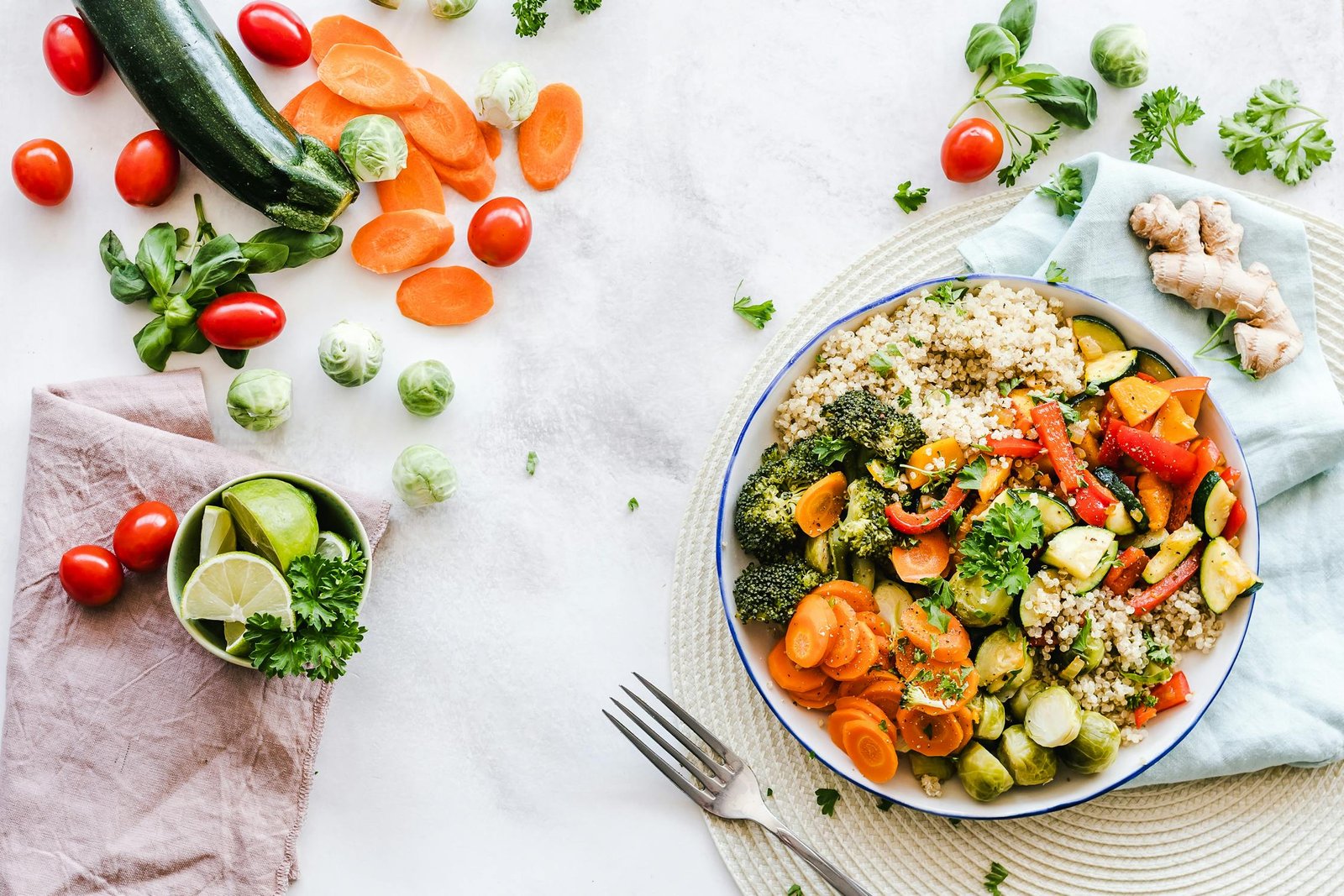
Here’s why I started researching this.
I’m always looking for ways to maximize my time. Meal planning takes more mental energy than it should. Figuring out what to eat, making sure it fits my diet goals, then creating a grocery list that doesn’t result in half-wilted vegetables by Friday. It adds up.
What I wanted was an AI that could take my dietary restrictions (I’m trying to increase my protein intake to 150g daily), factor in what I actually like eating, and spit out a week of meals with a ready-to-go grocery list. No more standing in front of the fridge wondering what to make.
ChatGPT vs. Dedicated AI Meal Planners
ChatGPT and Claude generate solid one-off meal ideas for free, but they forget your preferences between conversations. Dedicated apps like Mealime ($5.99/month Pro) save your dietary profile, auto-generate grocery lists, and learn your tastes over weeks.
This came up constantly in my research. “Why pay for an app when I can just ask ChatGPT to plan my meals?”
Honestly? People do this successfully. You can paste your fridge contents into ChatGPT (GPT-4o), Claude, or Google Gemini and get solid meal suggestions. It’s what I’ve been doing for quick recipe ideas.
But there’s a catch. You have to remember your preferences every time. No automatic grocery lists. No tracking of what you’ve cooked before. You’re starting fresh with every conversation unless you use ChatGPT’s memory feature or Claude’s Projects.
Dedicated AI meal planner apps save your preferences, generate organized grocery lists sorted by store aisle, and learn your patterns over weeks. Many sync with Instacart or Amazon Fresh for one-click ordering. The downside is most good ones cost $5 to $15/month.
✅ My Take. If you meal plan occasionally and enjoy chatting with AI, use ChatGPT or Claude. If you want to fully automate it and never think about it, a dedicated app like Mealime or Eat This Much is worth the subscription.
What People Actually Like About AI Meal Planning
AI meal planners eliminate decision fatigue, optimize ingredient use across multiple recipes to reduce waste, and enable batch cooking that turns 2 hours of Sunday prep into 5 days of ready meals.
I found a case study from someone who tested AI powered meal planning for a full week with specific constraints. Vegetarian, dairy-free, high fiber and protein, minimal daily cooking. Here’s what stood out.
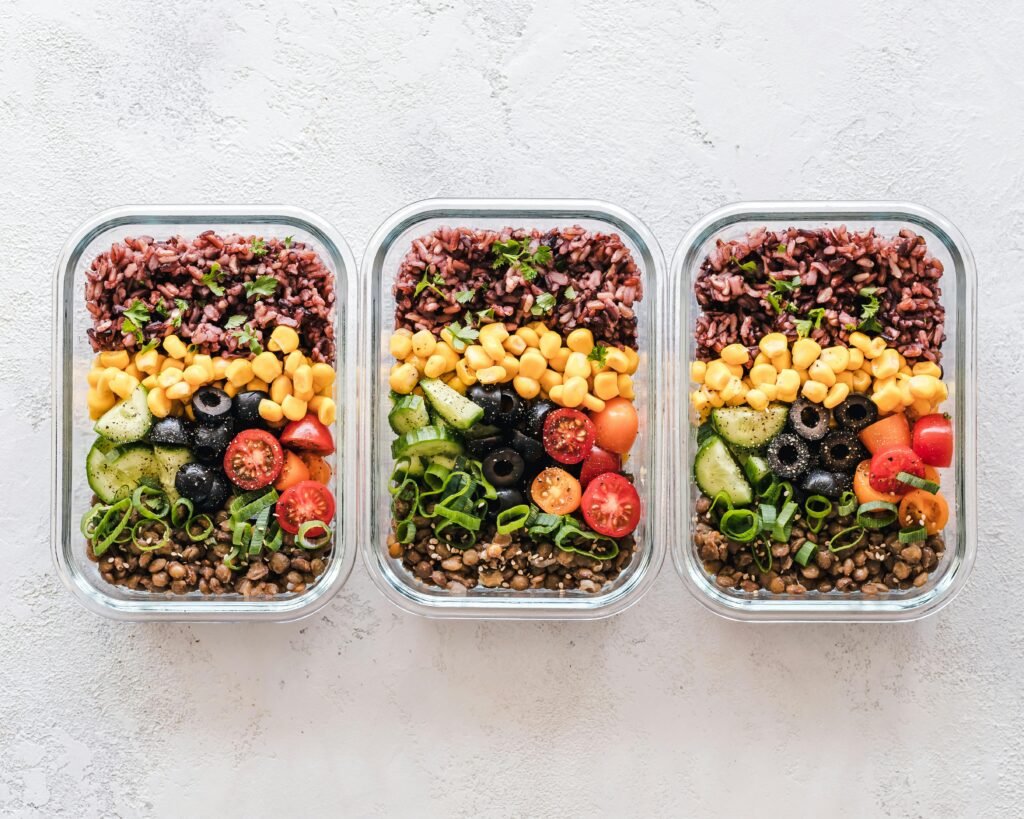
Batch cooking becomes effortless. One user completed all their meal prep in under two hours and had five days of ready meals. The AI planned meals that shared prep work, so cooking once meant eating well all week. If you’re serious about batch cooking, a good set of glass meal prep containers makes a huge difference.
Every ingredient has a purpose. The AI generates grocery lists where nothing goes to waste. That bunch of cilantro you usually watch wilt? The AI plans it into tacos Monday, a Thai salad Wednesday, and a rice bowl Friday. Multiple users on Reddit’s r/MealPrepSunday mentioned this eliminated the guilt of throwing away forgotten produce.
Decision fatigue disappears. “I didn’t realize how much mental energy ‘what’s for dinner’ was taking until I stopped having to answer it.” This sentiment appeared constantly in app reviews. When the AI tells you it’s taco Tuesday, you just do it.
The Best AI Meal Planning Tools (2026)
Mealime (free, $5.99/month Pro), Eat This Much ($9/month with macro tracking), Plan to Eat ($5.95/month for recipe collectors), and Whisk (free with Instacart integration) are the four leading AI meal planning apps based on app store ratings and Reddit recommendations.
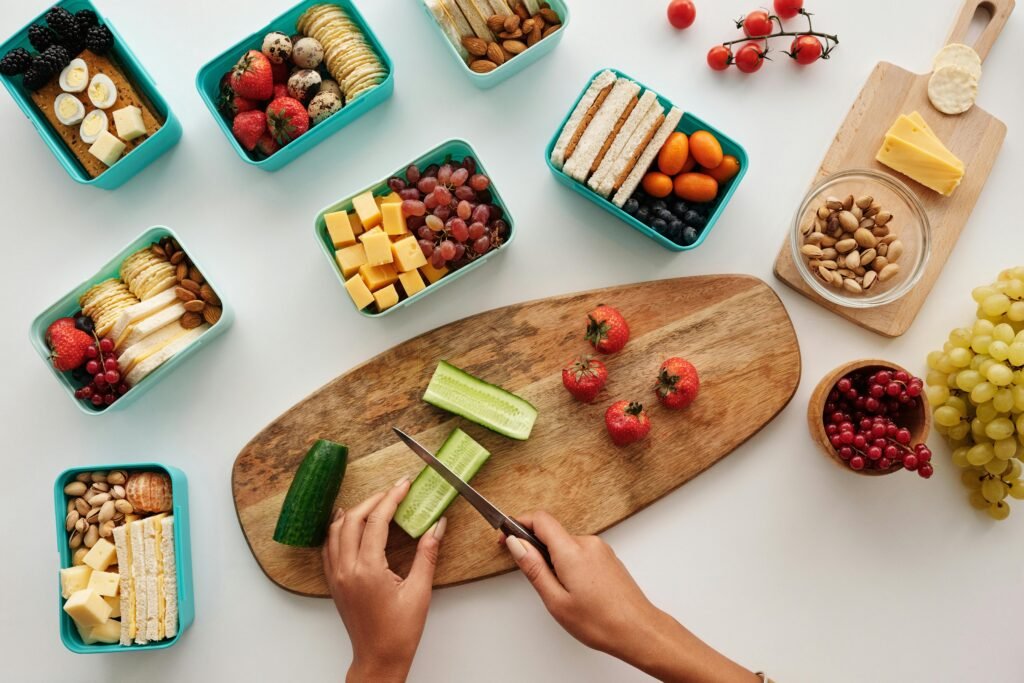
Based on Reddit threads in r/MealPrepSunday and r/EatCheapAndHealthy, app store reviews, and YouTube comparisons, here’s what keeps coming up.
Mealime has the most positive mentions. The free version includes meal plans and grocery lists, and Pro ($5.99/month) adds nutritional info, custom macros, and more recipe filters. Users love the grocery list organization by store aisle. Available on iOS and Android. Best for beginners.
Eat This Much is ideal if you’re serious about macros and calorie counting. It automatically calculates calories and macronutrients (protein, carbs, fat), and you can set specific daily targets like 150g protein or 2,000 calories. The interface is clunkier than Mealime, but the functionality is powerful. If you’re tracking macros closely, pairing this with a kitchen food scale helps you nail your portions. Premium runs $9/month.
Plan to Eat is popular with people who already have recipes they love from sites like AllRecipes, Serious Eats, or NYT Cooking. You can import recipes from any website with their browser extension, and the AI helps you plan around your existing collection. $5.95/month.
Whisk (owned by Samsung) is free and surprisingly capable. Huge recipe database, decent AI suggestions, and the grocery list integrates with Instacart and Walmart Grocery for delivery. Good starting point if you’re not ready to pay.
Watch: AI Meal Planning in Action
This YouTube tutorial demonstrates how to set up ChatGPT for weekly meal planning with dietary restrictions, showing the full workflow from prompt to grocery list.
Limitations Worth Knowing
AI meal planners optimize for nutrition and ingredient efficiency but lack culinary intuition. They miss cultural cooking techniques, can’t adapt to real-time cravings, and struggle with family taste preferences across multiple palates.
⚠️ Reality Check. AI lacks flexibility for real life. Rigid meal plans can’t accommodate unexpected hunger spikes or cravings. AI also has cultural blind spots. One tester asked for Spanish tortilla and the AI suggested baking it instead of pan-frying. That’s basically a crime.
It’s mathematical, not intuitive. AI optimizes for nutrition and ingredient use, not for surprising flavor combinations a human cook might instinctively create.
Family buy-in is tricky. Cooking for picky eaters or a family with diverse preferences? Getting everyone on board takes patience. Mealime gets praised on the App Store for handling family profiles and kid-friendly filters better than most.
How to Get Started
Download Mealime (free on iOS and Android) or Whisk (free), set your dietary preferences and restrictions, and commit to following the AI-generated meal plan for one week before judging results.
Start with one week. Don’t overhaul your entire eating routine. Commit to following the plan for one week. See how it feels.
Be honest about your cooking level. There’s no shame in 20-minute recipes with five ingredients. The tool can only help if you’re honest about what you’ll actually cook.
Use the grocery list feature. This is where the real time savings happen. Mealime organizes by store aisle, and Whisk connects to Instacart and Walmart Grocery for delivery.
Give feedback consistently. Rate recipes. Mark favorites. Skip things you won’t cook. The more feedback you give, the better the suggestions get.
Frequently Asked Questions
Do AI meal planning tools cost money?
Most have free versions with limited features. Premium subscriptions typically run $5-15/month and unlock more recipes and grocery delivery integration. Mealime and Whisk both have solid free tiers to start with.
Can I use AI meal planning with dietary restrictions?
Yes, this is where these tools shine. Most handle vegan, vegetarian, gluten-free, keto, and allergy restrictions well. Set it once and the tool filters everything automatically.
Will AI meal planners learn my preferences?
The good ones do. As you rate recipes and mark favorites, the AI adjusts its recommendations. After a few weeks, suggestions feel noticeably more personalized.
AI meal planning won’t replace your cooking instincts, but it will free up the mental energy you spend figuring out what to eat every single day.
Related reading: AI Task Management Guide | AI Shopping Assistant Guide | Claude Opus 4.5 Review | New to AI? Start here
WHO WROTE THIS
Moses Smith. I write Everyday AI for people who aren’t engineers. I go try the tools, then tell you honestly whether they were worth it. Sometimes the answer is no, and that’s kind of the point.
This blog is free and has no ads. If it saved you some time, you can buy me a coffee.