
ℹ️ Quick Answer: iOS 27 Siri AI is Apple’s biggest Siri overhaul yet, now open to everyone in a free public beta. The new Siri answers questions directly using real-world knowledge, reads what’s on your screen, and acts across your apps. Full Siri AI needs an iPhone 15 Pro or newer, though iOS 27 itself runs on iPhone 11 and up.
📋 WHAT’S INSIDE
- What iOS 27 Siri AI Actually Does Differently
- Which iPhones Get Siri AI (and Which Don’t)
- Is Siri Really Powered by Google’s Gemini?
- What Siri AI Can See: The Privacy Trade-Off
- Should You Install the Beta, or Wait?
- What You Still Get on an Older iPhone
Last updated: July 15, 2026
I’ve been an Apple person for a long time. iPhone in my pocket, iPad on the couch, a Mac Studio on my desk. For most of those years, Siri has been the feature I reach for least. I’ll ask it something simple and half the time it just says “here’s what I found on the web” and drops me on a search page. I have literally asked Siri for a game score and watched it nail the answer one night and send me to a website the next.
For a long time that was just how voice assistants worked, so I lived with it. It isn’t how they work anymore. Every basic chatbot on my phone can answer that game-score question without a hiccup, and somewhere in the last two years Siri quietly became the assistant that couldn’t keep up.
So iOS 27 has my attention. Apple is calling the overhaul Siri AI, and the whole pitch is that Siri can finally answer the question instead of handing you a link. I want to be straight with you: I haven’t installed the beta, and I’m not going to pretend I’ve been living with it. What I did do is go through what Apple actually announced and what the first testers are reporting, so I can tell you what changes, who can get it, and whether it’s worth putting beta software on your phone.
What iOS 27 Siri AI Actually Does Differently
The headline change is that Siri AI answers questions on its own, using real-world knowledge, instead of bouncing you to a web search. On top of that it can read what’s on your screen, dig through your own apps for answers, and hold an actual back-and-forth conversation.
In its official announcement, Apple says the new Siri can ground its answers in world knowledge, “similar to any modern-day AI chatbot.” In plain terms, the game-score problem I’ve complained about for years is exactly the kind of thing it’s built to just answer.
Then it goes further than the old Siri ever could:
- On-screen awareness. You can ask about whatever is on your screen right now. Apple’s own example is brainstorming a reply to a potluck text without leaving the message.
- Personal context. It can search across your Messages, email, and Photos to pull up something you’d otherwise dig for, like the restaurant a friend recommended in a text last month, summarizing a noisy group chat, or dropping an appointment from a text straight onto your calendar.
- Doing things inside apps. It can draft an email from scratch or edit and share a set of photos, instead of just opening the app and leaving the work to you.
- Real conversation. You can extend almost any answer into a follow-up, the way you’d keep talking to a person. It also lives in its own Siri app now, and your conversation history syncs across your devices.
If you’ve used ChatGPT or Gemini, none of this will feel revolutionary. The point is that it’s finally built into the phone, the watch, and the Mac you already own.
Which iPhones Get Siri AI (and Which Don’t)
Full Siri AI needs an iPhone 15 Pro, 15 Pro Max, or any iPhone 16 or newer. The regular iPhone 15 and 15 Plus are left out. iOS 27 itself, though, installs on iPhone 11 and later, so older phones still get everything except the AI assistant.
This is where a lot of people are going to get tripped up, so check your model before you get excited. The Apple Intelligence features that power Siri AI need real on-device horsepower, and Apple drew the line at the iPhone 15 Pro. If you carry a standard iPhone 15 or 15 Plus, you don’t make the cut, which stings, because those were current phones barely a year ago.
A few of the newest tricks go even further. The most natural-sounding voices and the upgraded dictation need an iPhone 17 Pro, iPhone 17 Pro Max, or iPhone Air. Here’s the quick version:
- Siri AI works on: iPhone 15 Pro, 15 Pro Max, and every iPhone 16 or 17 model, plus iPhone Air.
- No Siri AI: iPhone 15, 15 Plus, and anything older.
- iOS 27 without Siri AI installs on: iPhone 11 and later, including the second-generation iPhone SE and up.
Is Siri Really Powered by Google’s Gemini?
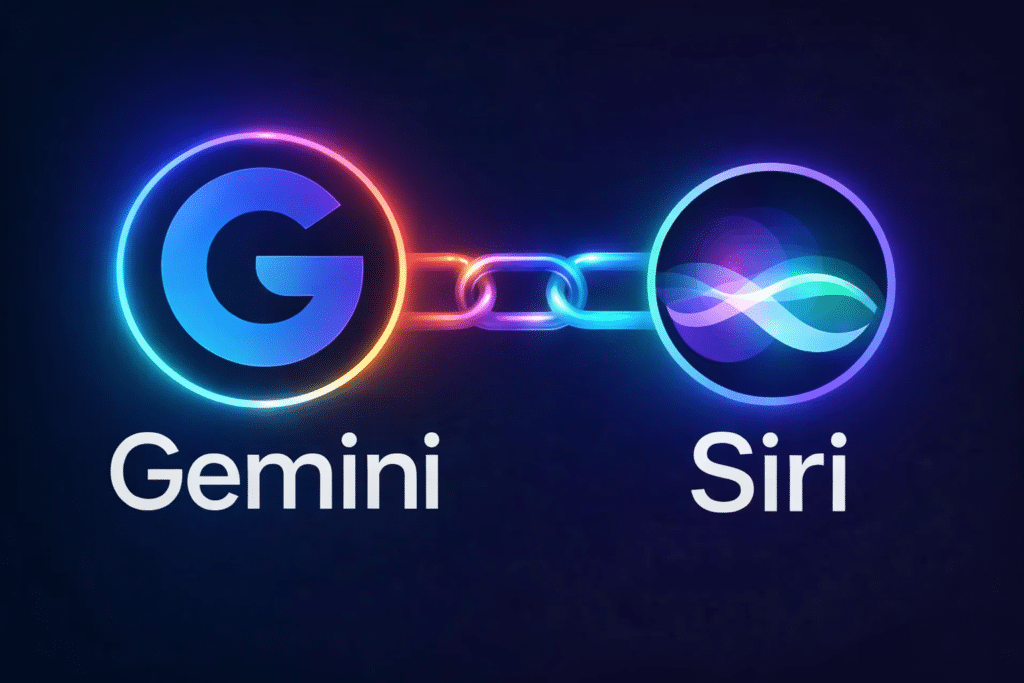
Not directly. Siri AI runs on Apple’s own Foundation Models through its Private Cloud Compute servers. Apple built those models in collaboration with Google, distilling its Gemini model into smaller ones, but what ships on your iPhone is Apple’s system, not a rebranded Gemini.
This one’s been muddy in the coverage, so let me untangle it. Back in January, Apple and Google announced a partnership, and a lot of people (me included) assumed that meant Gemini would just run Siri. That’s not quite what shipped.
What actually happened is closer to Apple sending its own models to school. Apple built its Apple Foundation Models specifically for its chips, then used Google’s Gemini to help train and distill them into smaller, efficient versions that live on your phone. As TechCrunch put it, the models “are not just some rebranded version of Gemini.” So your data isn’t quietly getting shipped off to Google every time you talk to Siri.
There’s a separate piece worth knowing. iOS 27 also lets you hand certain questions off to a third-party chatbot like ChatGPT when you want a second opinion, and that’s optional and different from the built-in Siri AI. If you’re already juggling a few assistants, my breakdown of which AI is worth paying for gets into where each one actually earns its keep.
What Siri AI Can See: The Privacy Trade-Off
To be genuinely useful, Siri AI needs access to your Mail, Messages, Photos, Notes, and Calendar. Apple says that when a request is handled in Private Cloud Compute, your personal data “is not stored nor made accessible to Apple or anyone else,” and your Siri history syncs privately through iCloud.
Here’s the honest trade-off, an assistant can only pull the restaurant out of your texts or summarize your group chat if it’s allowed to read your texts and your group chat. The same access that makes Siri AI useful is a lot of access.
Apple’s answer is its privacy setup. Simpler requests run on the device itself, and anything that needs more muscle goes to Private Cloud Compute, where Apple says your data isn’t stored or visible to anyone, including Apple. That’s a stronger stance than most AI assistants take, and it’s the main reason I’m more comfortable letting Siri near my Mail than I’d be with some random chatbot app.
Still, it’s your call to make, not Apple’s. Before you turn it loose, decide how much of your digital life you actually want an assistant reaching into, and know that you can dial back what it touches in Settings. If you share a phone with a kid, that goes double.
Should You Install the Beta, or Wait?

For most people, you should wait. A public beta can bring bugs, shorter battery life, and apps that misbehave, and the finished iOS 27 arrives in September anyway. If you want it now, back up your phone first and, ideally, put it on a spare device rather than your main one.
One thing to remember is a beta is unfinished software. 9to5Mac’s own install guide warns that beta software “can include bugs, reduced battery life, and third-party app compatibility problems,” and Apple suggests running it on a secondary device instead of the iPhone you lean on all day. If your phone has to work every single time, this is not the week.
The full, stable iOS 27 is expected in September, right around the new iPhones. Personally, I’m probably going to wait for that. The itch is real, just not “risk my daily driver” real.
How to install the iOS 27 public beta safely
- Back up your iPhone first, to iCloud or your computer. If something goes sideways, this is your undo button.
- Go to beta.apple.com, sign in with your Apple Account, and join the free Apple Beta Software Program.
- On your phone, open Settings > General > Software Update > Beta Updates and pick iOS 27 Public Beta.
- Back on the Software Update screen, tap Update Now and let it install.
If you can spare an old iPhone that still qualifies, that’s the smart place to kick the tires.
What You Still Get on an Older iPhone
Even if your iPhone is too old for Siri AI, iOS 27 still brings real upgrades: apps launch up to 30% faster, AirDrop moves up to 80% faster, you can finally set your alarm volume separately from your ringer, and Screen Time got a genuine redesign.
I don’t want anyone with an iPhone 12 or 13 to feel like this update skips them, because a lot of iOS 27 has nothing to do with AI. The stuff Apple quietly fixed is the stuff you actually touch every day:
- Speed. Apps launch up to 30% faster, and the Camera opens quicker even in Low Power Mode.
- AirDrop. Transfers move up to 80% faster, which you feel the moment you send a video.
- Alarm volume. You can finally set it separately from your ringer, so a quiet phone doesn’t mean a quiet alarm. People have asked for this one for years.
- Screen Time. A redesigned dashboard with time allowances, schedules, and an “Ask to Browse” option, which is a real help if you manage a kid’s phone.
- Photos and Messages. New shots show up faster, and group-chat notifications finally get bundled instead of buzzing one by one.
None of that will trend on launch day. All of it makes the phone nicer to live with.
Is iOS 27 Siri AI free?
Yes. Siri AI and iOS 27 are free, and the public beta is free too through Apple’s Beta Software Program. You just need a compatible iPhone, meaning an iPhone 15 Pro or newer for the Siri AI features themselves.
Which iPhones support the new Siri AI?
Siri AI works on the iPhone 15 Pro, 15 Pro Max, and every iPhone 16 or 17 model, plus iPhone Air. The standard iPhone 15 and 15 Plus do not qualify, and neither does anything older.
Does Siri AI use Google Gemini?
Not directly. Siri AI runs on Apple’s own Foundation Models through Private Cloud Compute. Apple built those models in collaboration with Google by distilling its Gemini model into smaller versions, so what ships on your iPhone is Apple’s system rather than Gemini itself.
When does iOS 27 officially come out?
Apple is expected to release the final, stable version of iOS 27 in September 2026, around the same time as the new iPhones. The public beta is available now for anyone who wants to try it early.
I’ve wanted Siri to just answer the question for the better part of a decade. iOS 27 is the first time it actually looks possible. I’m watching this one closely, and I’ll tell you honestly how it holds up once it’s running on a phone I trust.
Related reading: The $1 billion Apple-Google deal behind the new Siri | ChatGPT’s voice can finally be interrupted | New to AI? Start here
WHO WROTE THIS
Moses Smith. I write Everyday AI for people who aren’t engineers. I go try the tools, then tell you honestly whether they were worth it. Sometimes the answer is no, and that’s kind of the point.
This blog is free and has no ads. If it saved you some time, you can buy me a coffee.







Leave a Reply